The iMovie app is probably your best option if you're not interested in purchasing a more powerful video editing software. It's built-in and is really easy to use.
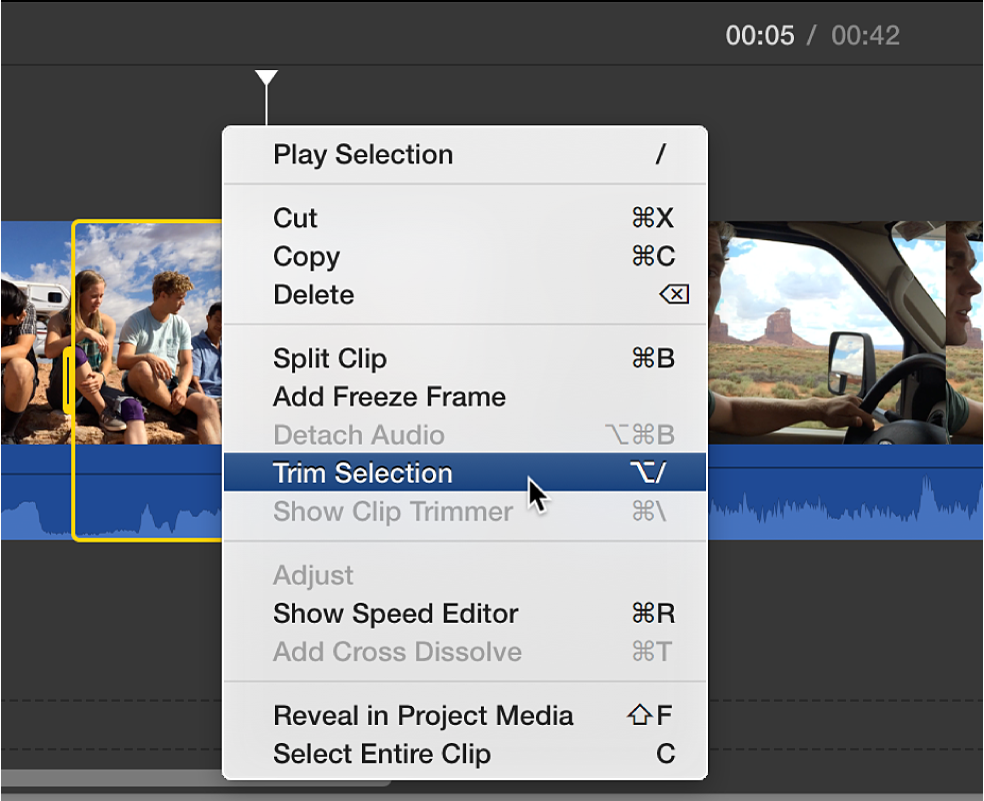
This guide describes how to trim the beginning and/or end of the video.
The iMovie app also has more advanced functions such as cutting out more than one part, adding texts, adding movement, changing speed and so on. These features are not in included in this guide but if you are interested there are plenty of guides on Youtube and other sites that describes how to use them
Trim the beginning and/or end of the video
This is ideal if you just need to cut out some unnecessary video at the start or end.
0 Kommentarer