This option lets you add a discussion forum on your page. The great thing is here that your users don’t have to leave the material to discuss the topics. No more extra tabs!
Please note that for this option to work, you must share your page to a Learning Zone. (See separate guides for Learning Zones.)
Locate and click the tool Add interactions - the icon that looks like two speech bubbles, then click on the first icon from the left - an icon of two people - Discussion.
An object is placed on your editing area.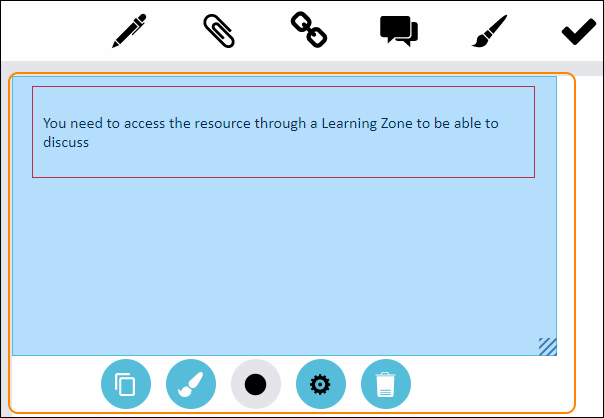
Please note that the object is a placeholder and that you will have to share the page to a Learning Zone to be able to see how the Discussion actually looks and works.
But to help you get an idea; we have taken some screen images of a discussion from a Learning Zone at the bottom of this guide.
To edit your object double click on it.
To save your changes, click anywhere on the editing area, outside the object.
To move your object, drag and drop it with the help of your mouse and place your object anywhere on the white editing area.
All settings for your object - see the guide “Settings for your object”.
The Discussion, seen from a Learning Zone (without any discussion posts):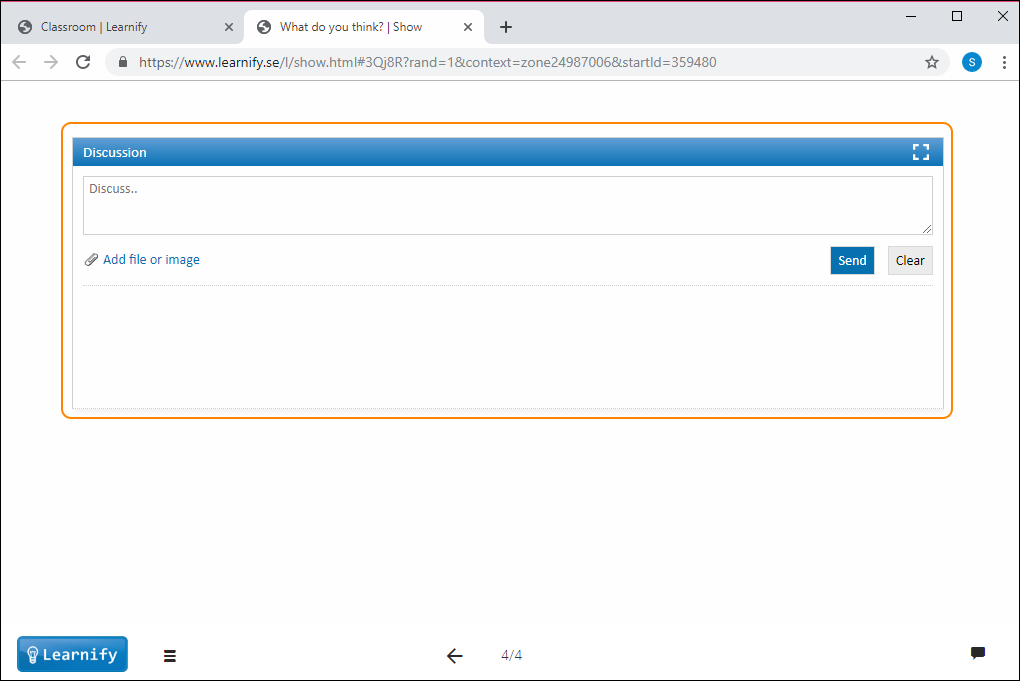
Discussion with posts made by users (participants on a Learning Zone):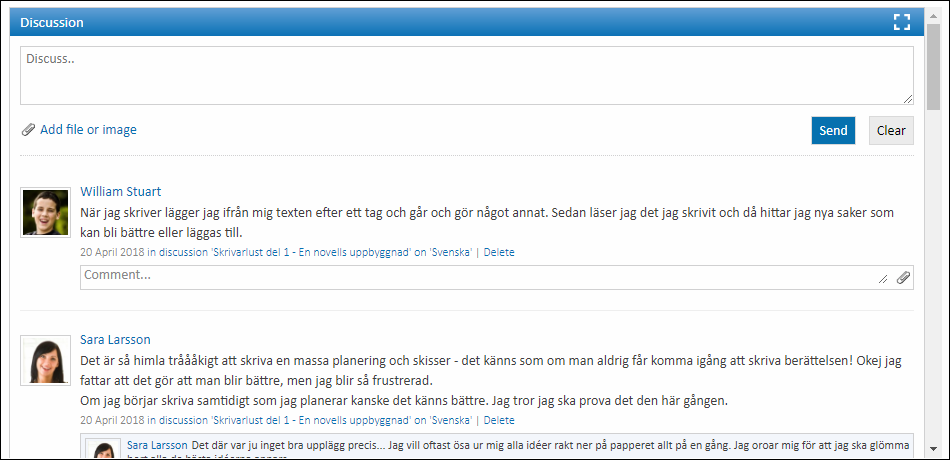
0 Kommentarer