Everything you create in Presenter is saved to your personal user account and stored in your workspace. So no one can access your material without your permission.
But, when you have created a material in Presenter or when you want to collaborate with someone, you need to Share it. There are several different ways to do this, and below we’ll go through them all - except the option Publish - as that option needs its own guide.
- Copy link
- Share to Blog
- Share to Learning Zone
- Share with co-authors
- Give access to user
Locate and click the button Share to open up all the options available to you.

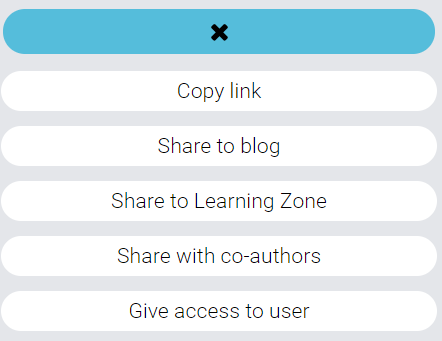
TIP! All the options in the Share menu have individual articles following this. Just scroll down in the Section "Presenter" in Help Center.
0 Kommentarer