In Presenter, you can add as many new pages as you like to your material and create a structure of many levels. You can also reuse a page you have previously created - see the article "Reuse a page".
To add a page, you have to be in edit mode of your material. Locate and click the icon with the plus sign.
This action opens up an overlay window. Click on the first icon Create new page. This will open up a text input where you have to name your new page. You can also add a description of the new page.
Once you are done, locate and click the button Create.
Now your new page has been created and opened directly in editing mode. 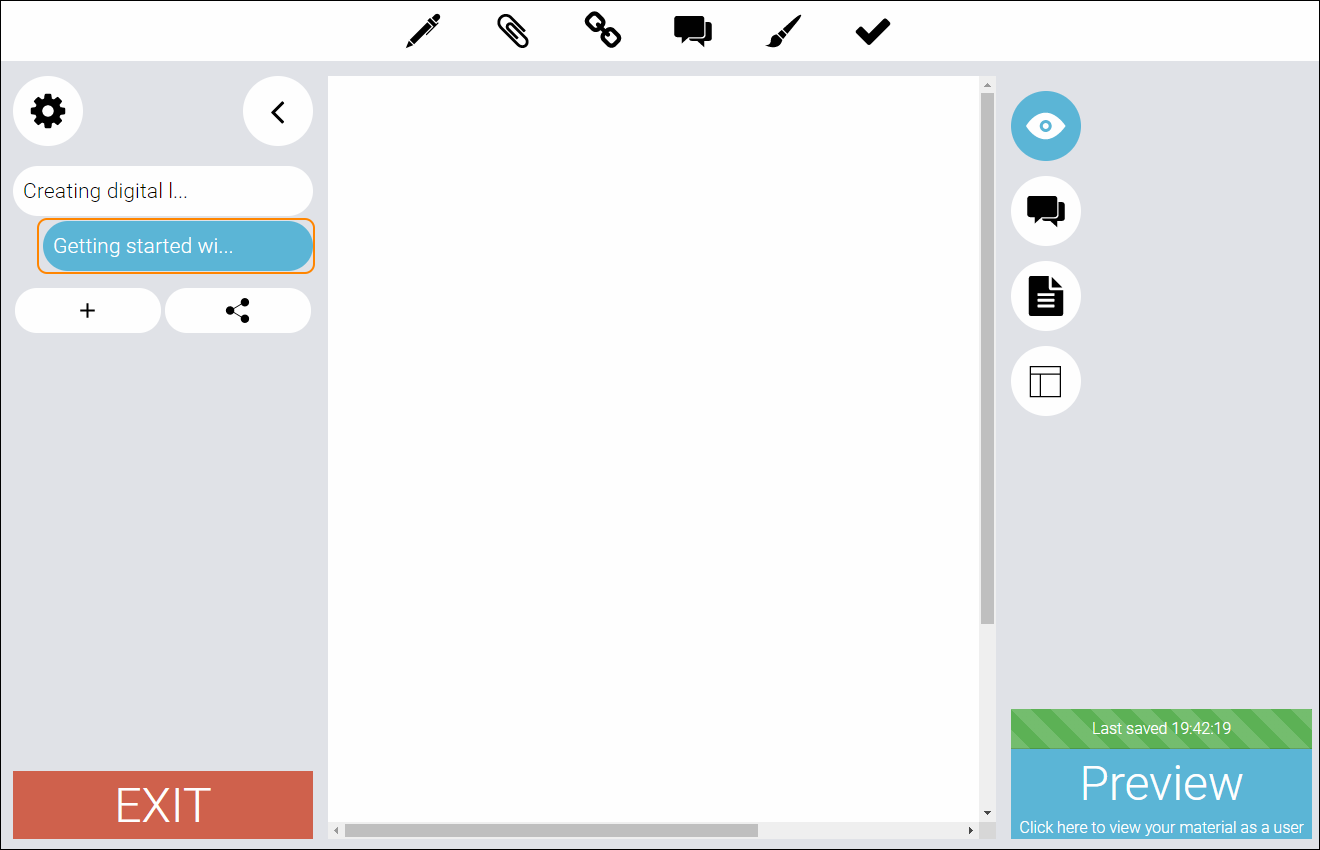
TIP! Look at the structure menu to the left, to see which page is active in the editing mode.
0 Kommentarer