To create a clickable link for your users, you can use the Add link to content tool.
Locate and click the tool Add link to content, choose the option Create link icon that looks like an anchor.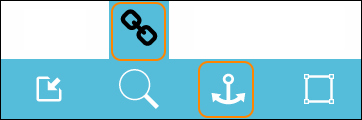
A dialogue window opens.
Click on the line that says Link text… and type in what you want the link text to be.
Go down and click on the line that says URL…. This is where you write och paste the URL link you want to open when the link text is clicked.
If you want the link to open up in a new browser window (or tab depending on your browser settings), leave the tic in the checkbox otherwise, un-tic the box.
To save and add the link to your page, locate and click the button Create link.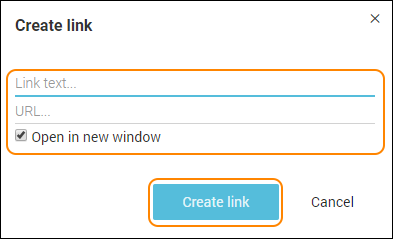
This is how a link can look: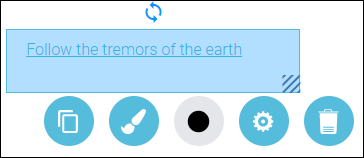
To edit your object double click on it.
To save your changes, click anywhere on the editing area, outside the object.
To move your object, drag and drop it with the help of your mouse and place your object anywhere on the white editing area.
All settings for your object - see the guide “Settings for your object”.
0 Kommentarer