The tool Add link to content lets you link material from the internet into your page. (Make sure that you only link material that you have permission to link.) Anything you link in is shown live as an object on the editing area.
The tool has 4 different options:
- Embed a resource from the internet (example YouTube video)
- Search freely available image (CC explained)
- Create link
- Create hotspot
To get started, locate and click the tool Add link to content - the icon that looks like a chain, then click on the option you want to use.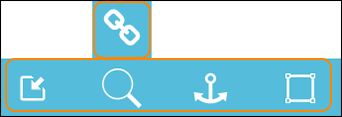
We'll go through them all in the following articles.
0 Kommentarer