This is the tool you use for adding text fields to your page in Presenter.
You can add as many text fields as you like, change their size and move them around on the editing area.
To get started, locate and click on the tool with the icon of a pen, then click on the option you want to use: Heading, Subheading or Body.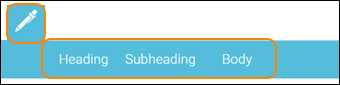
An object will be placed on the editing area. 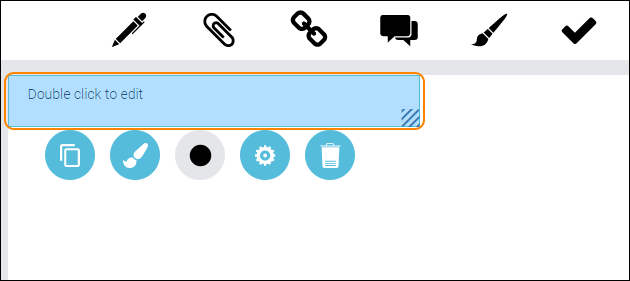
To edit the object double click it and use the text editor to write your text. 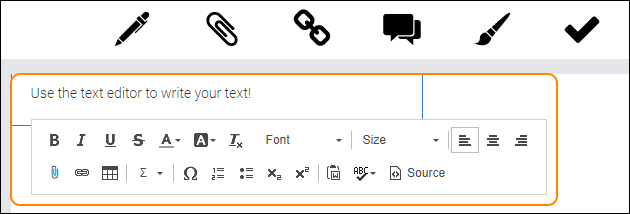
To edit your object, double click it.
To save your changes, click anywhere on the editing area, outside the object.
Settings for your object - see the guide “Settings for your object”.
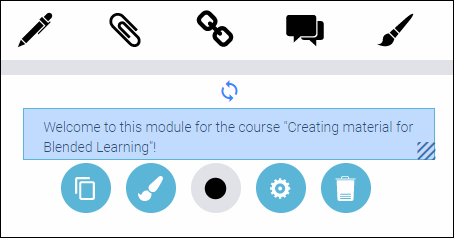
TIP! You can, of course, paste text that you have copied from another text editor in another program. Just make sure to un-format the text using the button Remove format once you have pasted in your text.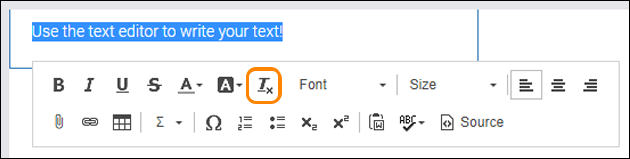
0 Kommentarer