You find Presenter by going to “Library” via the top menu in Learnify.

To start building your material, first click Create new and select New Presentation
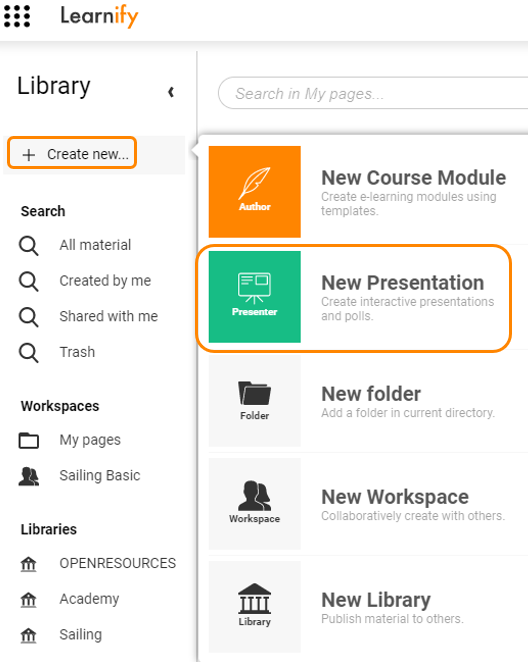
Now all you have to do is name your presentation and click the button Create.
Now you have created your new presentationand can start filling it with content!
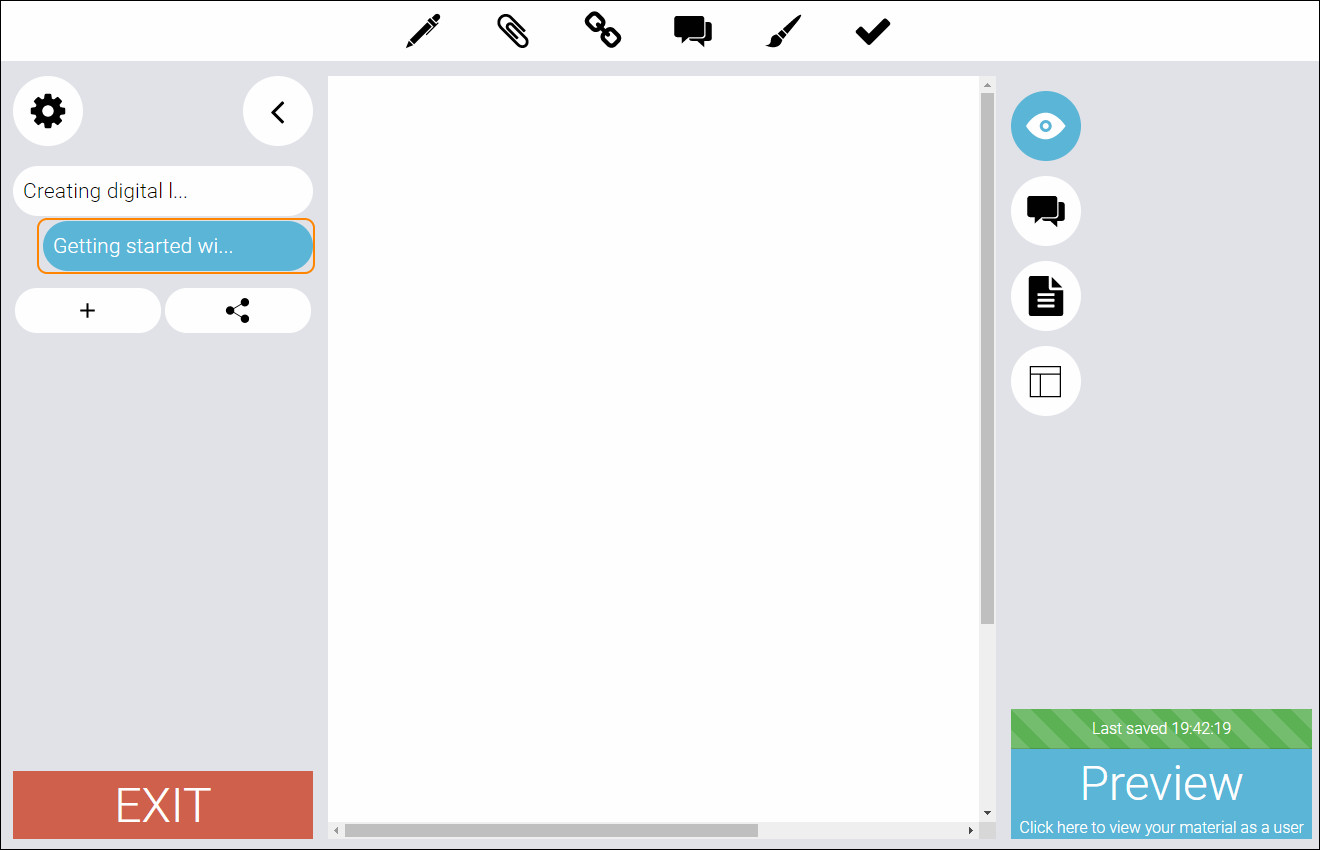
This is how a presenter page looks in edit mode:
0 Kommentarer