As owner of a Blog you can manage all settings for the Blog.
To change settings, locate and click Settings - the button with the gear to open up the settings dialogue window.
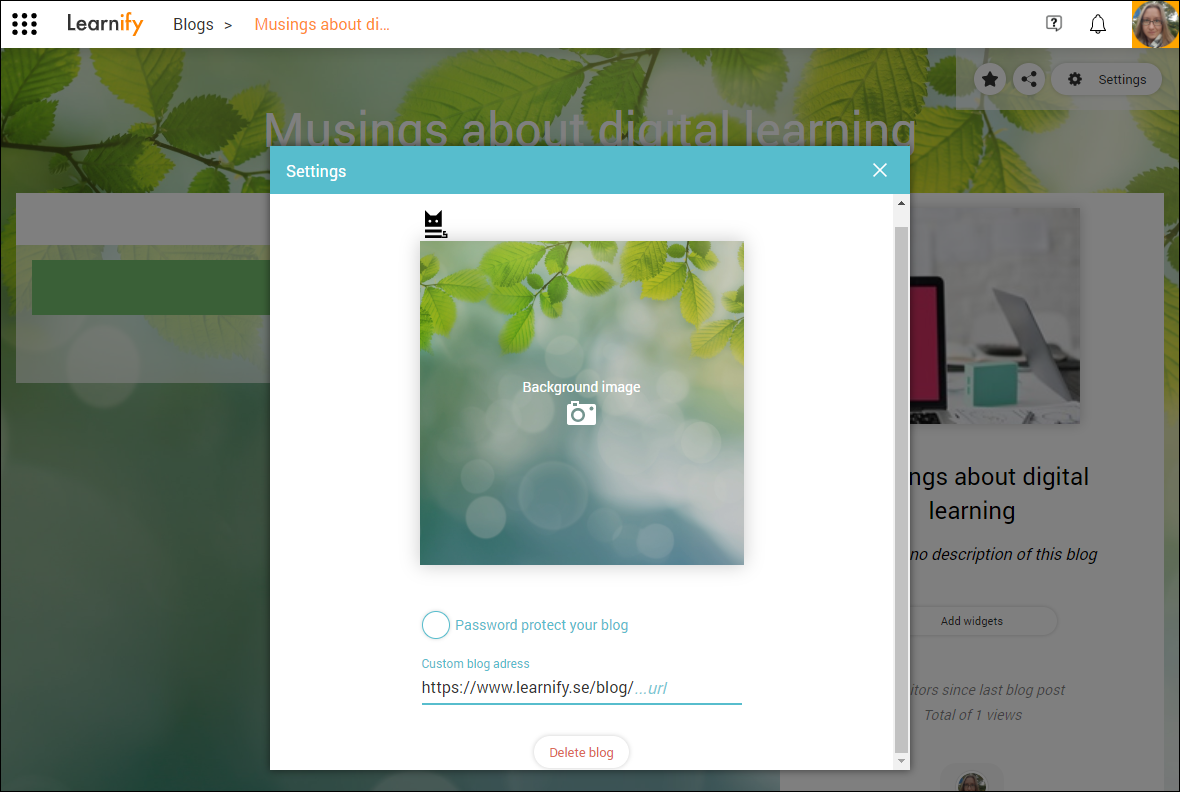
Here you can:
- change the background image for your blog.
- set a password.
- customise your blog URL.
- delete the blog.
To update the blog with the new settings, close the dialogue window by clicking the white "x".
0 Kommentarer