To post in the Chat, locate and click on the text field where you see the text Post something. Write your text and click Send (the button with an icon of a paper plane to publish the post).
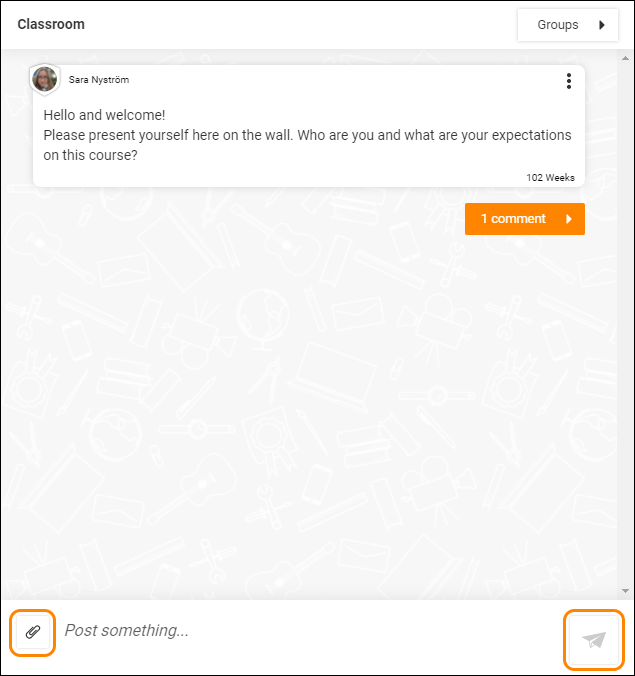
To attach a file to your Chat post, locate and click Attach – the button with an icon of an envelope. Choose which file you want to attach and finish by clicking Send.
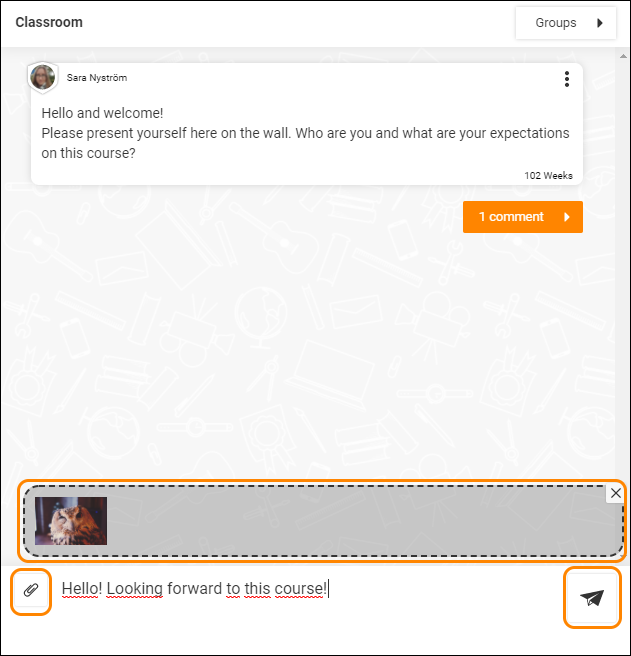
Tip: You can only send a file if you also write some text in a post. Images and videos will be shown live - other file types will be shown as a link.
0 Kommentarer