"This article is intended primarily for you who have a teacher/leader account or are designated as a tutor on a Learning Zone."
To change the password and manage other settings for your Learning Zone, locate and click on the button Settings (a round icon with a gear wheel) to open the settings dialogue window.

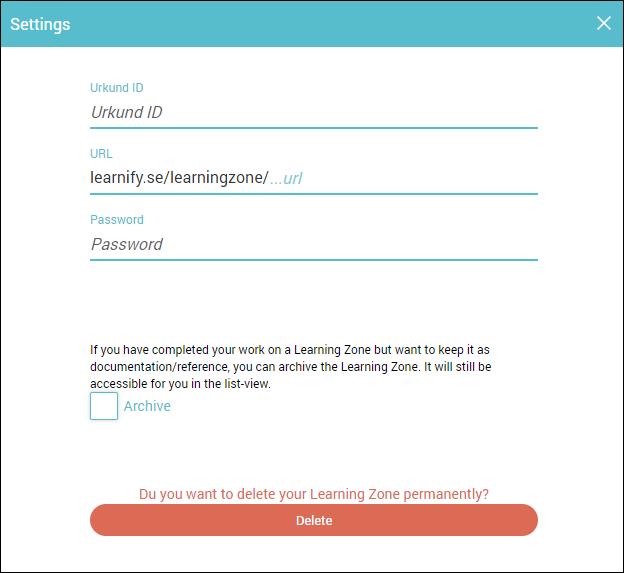
Here you can:
- change password.
- customise the URL for the Learning Zone.
- archive the Learning Zone.
- delete the Learning Zone.
Once you are done with managing the settings, close the dialogue window and your Learning Zone will update.
0 Kommentarer