"This article is intended primarily for you who have a teacher/leader account."
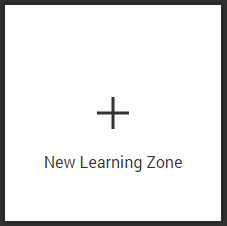
To create a new Learning Zone, click the icon New Learning Zone.
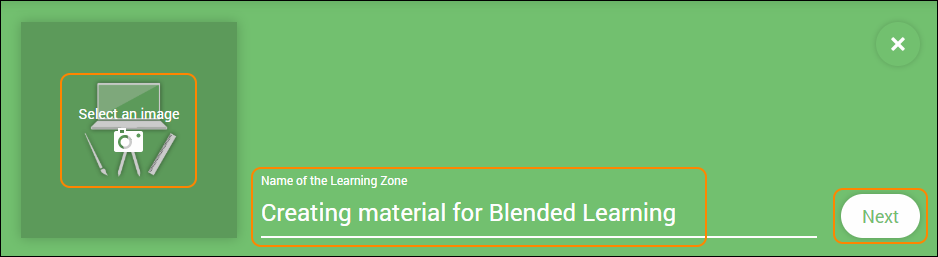
Add a name and upload an image for your new Learning Zone here. When you’re done, click Next.
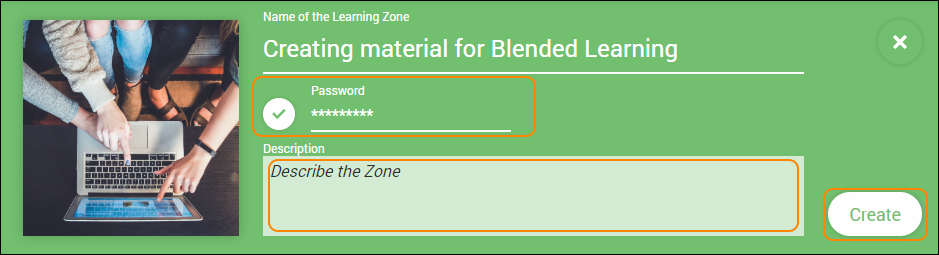
To make sure that no other users aside from those you have invited/added have access you will, in the next step, be prompted to set a password for your Learning Zone. Neither you nor your participants will be required to use it, it is only there to block unauthorized access.
It’s also possible to write a short description here, just click the text field and start typing.
When you feel ready, click Create and your new Learning Zone is ready for you to populate with content and participants!
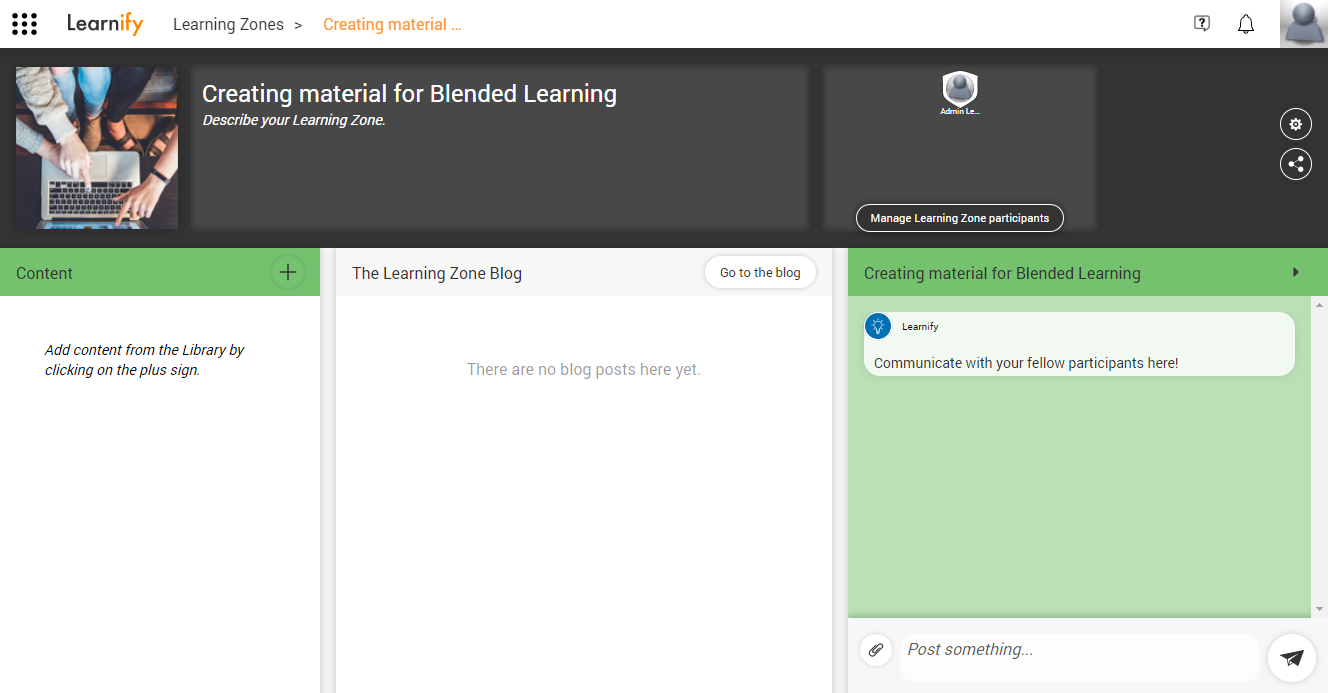
This is an example of how a new Learning Zone can look.
Tip: If you choose not to password protect your Zone, it will be searchable and will also be accessible by others within your organisation. That is why we recommend that you set a password for it.
0 Kommentarer