"This article is intended primarily for you who have a teacher/leader account or are designated as a tutor on a Learning Zone."
On your Learning Zone there is a section called Content. Here you can curate material for your participants.
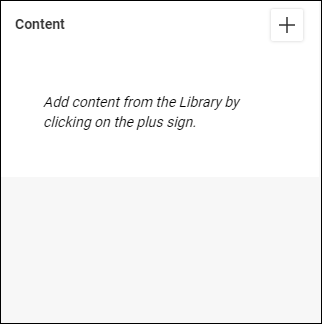
You can add resources from the open Library or your own My pages (where all material you create in the editor is stored). You can also upload files and add links to the section Content.
To add material, locate and click the button with the plus sign in the Content section.

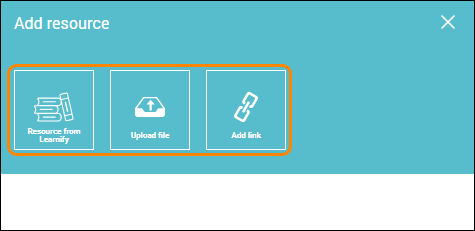
Choose what type of content you want to add and when you are done, close the window and your Learning Zone is updated.
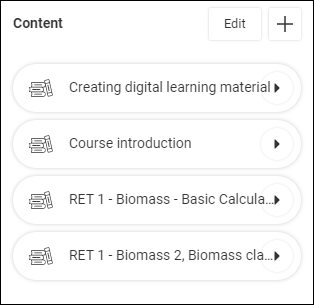
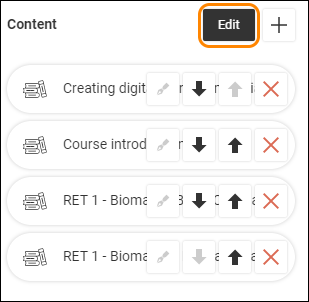
To change the order, name or remove the content, locate and click the button Edit.
When you are done, click the button Edit once more, and the Content section is updated.
Note: Uploaded files are limited to a maximum size of 50 MB.
0 Kommentarer