To get started with Learning Zones, navigate to Learning Zones in the menu.
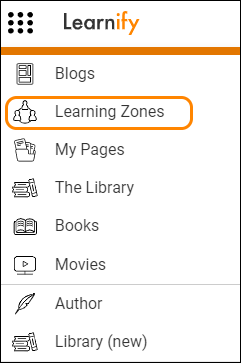
This takes you to a list view of all the Learning Zones you have access to.
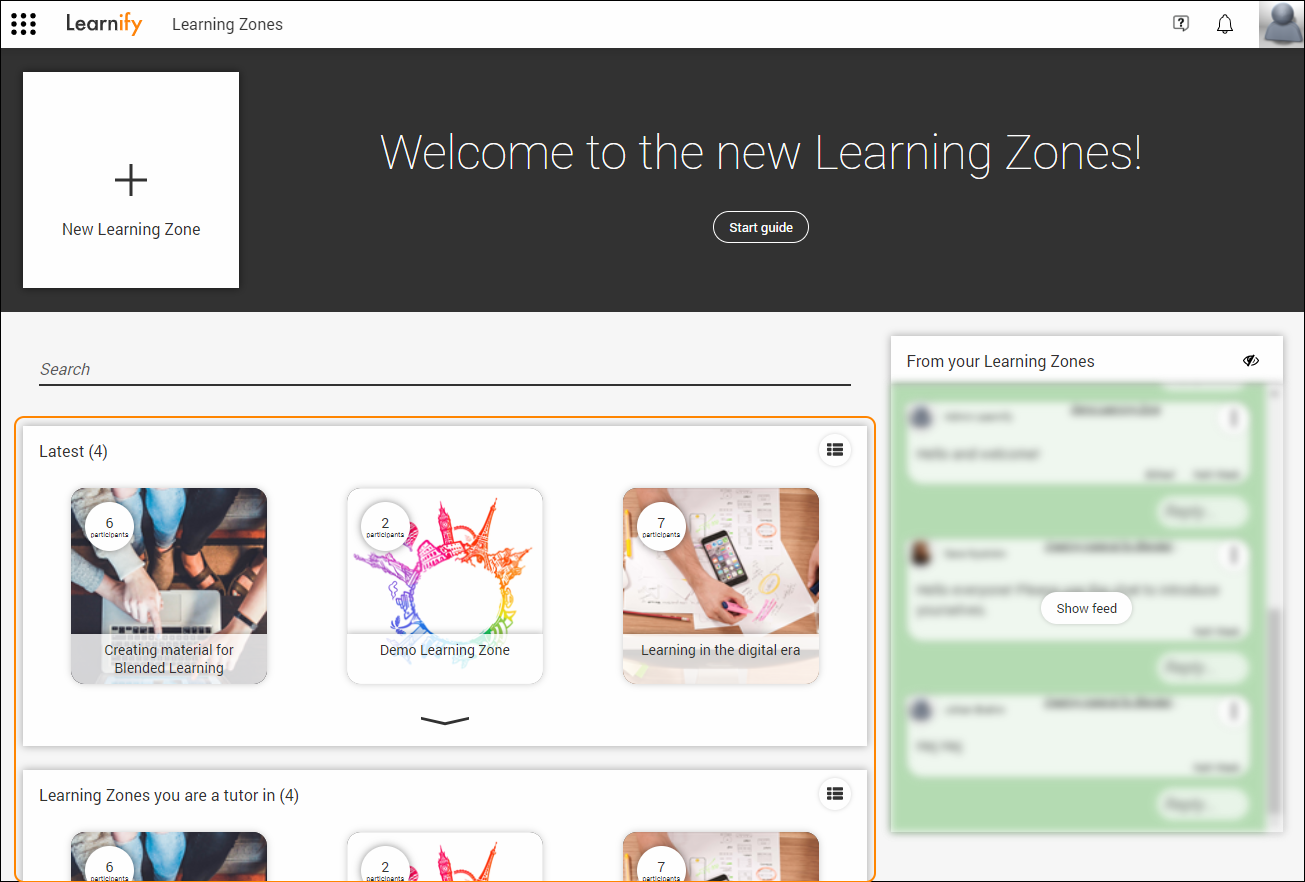
Here you can create new Learning Zones, search among Learning Zones you have access to, as well as open Learning Zones within your organisation.
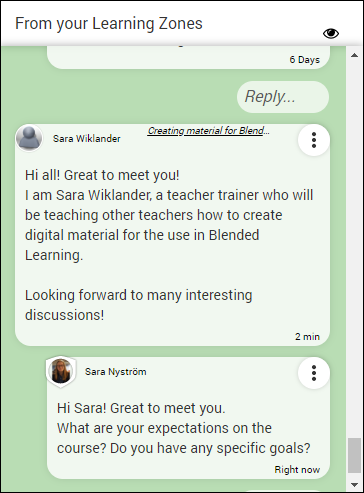
Note: Everytime you navigate to the list view your feed will be shown with a blurry filter. This is to prevent accidentally showing sensitive information. Click the button “Show feed” to remove the filter.
There is also a feed (from your Learning Zones) that shows a summary of all posts and comments on all of the Learning Zones you are a participant/tutor of.
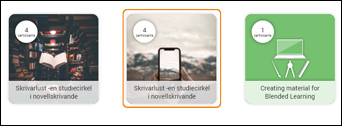
To go to a specific Learning Zone, click on the desired Zone in the list view.
0 Kommentarer