Login page
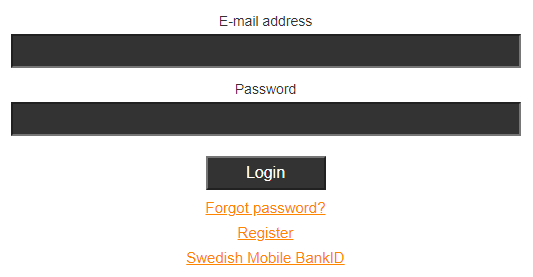
When you have received an account for the Learning Portal or possibly registered an account yourself, you will receive an email with a link to the current portal and login information.
On the login page, in addition to logging in, you can request a new password. In some portals, it is also possible to register an account or use Swedish Mobile BankID for login instead of username / password.
Please note that some portals use social security numbers instead of E-mail address as username. Which to use is stated in the title next to the field.
Main menu
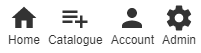
In the top menu there are some choices. Which ones are available depends on which portal you log in to and what rights you have. The "Home" and "Account" options are displayed to all users. The option "Registration" is displayed in portals that have a function for users to register for educations themselves. Other portals instead require an administrator to add training to users. The "Admin" option Appears to those who have administrator rights in the portal.
Home
Home is the page you see when you log in to the portal.
This is where the courses you have available are displayed and started.
It is also possible to apply for or list available educations in different ways. They can be displayed in a grid, sorted by status (Not started, Started, Completed) and sorted by category or in alphabetical order.

Catalogue
This option is only available in certain portals.
If it is available, you can browse available courses and read more and sign up for interesting courses. Information about price and other conditions is displayed before the registration is completed.
After registration, you will immediately have access to the current education.
Account
Here you can edit your user information and change your password.
Admin
This option is only displayed to those who have administrator rights in the portal.
0 Kommentarer