This template requires knowledge of, and some experience using, JavaScript, HTML and/or CSS.
The template has two primary uses: To build interactive programming examples and to develop your own custom templates.
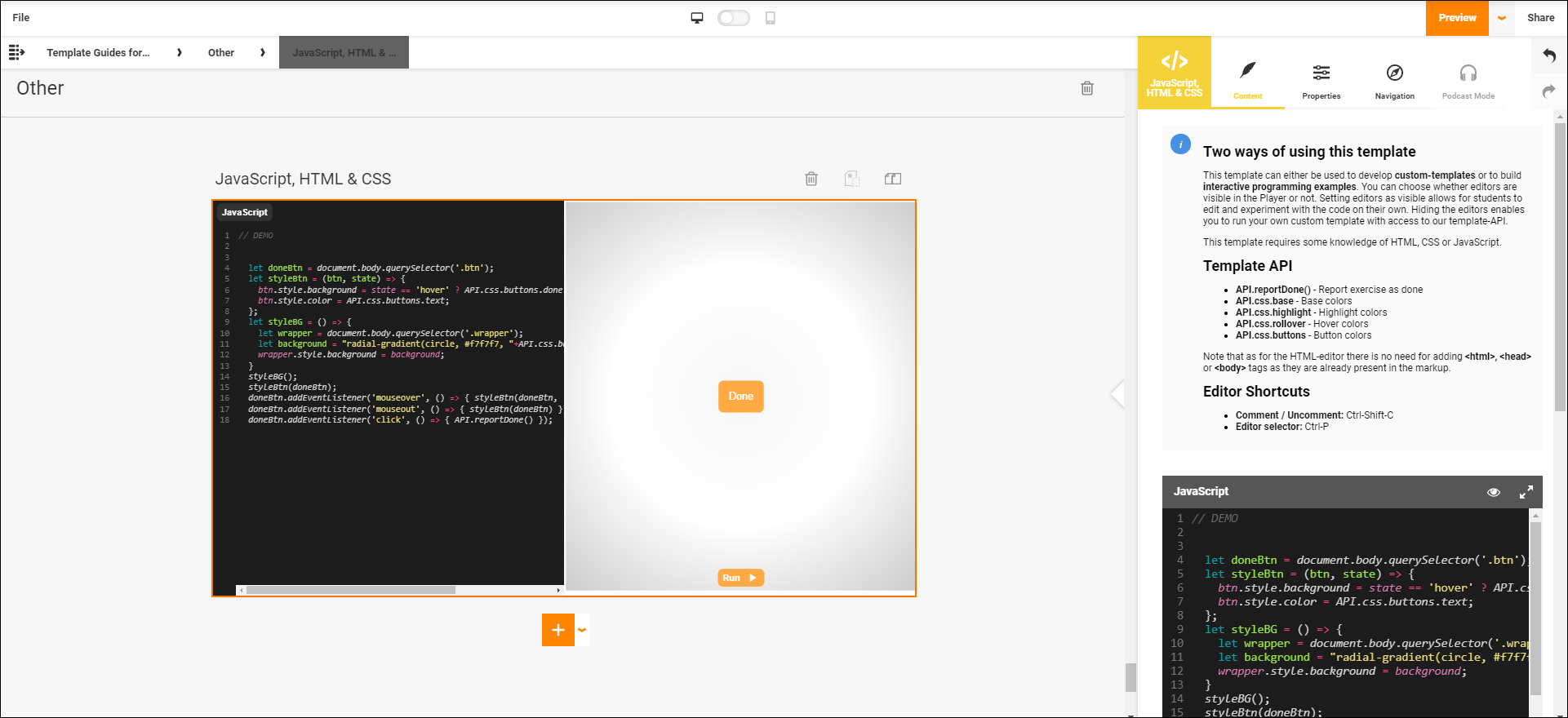
Create interactive programming examples
You can choose which code editors are shown in the Player by clicking on the eye-icon above each editor within Author. By doing this you can limit the type of changes that are available to your participants depending on which editors you decide to make available. Do you only want them to make changes to the structure? Show them the HTML editor. Do you want them to exercise their sense of taste regarding colours and looks? Give them access to the CSS editor. Do you want to focus on problemsolving and experiment with functionality? Show the JavaScript editor. Combine and exclude editors to adjust the complexity depending on your needs.
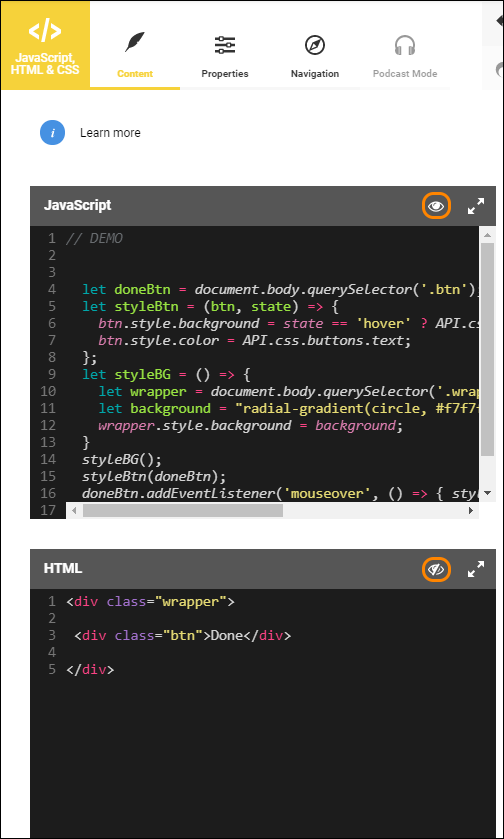
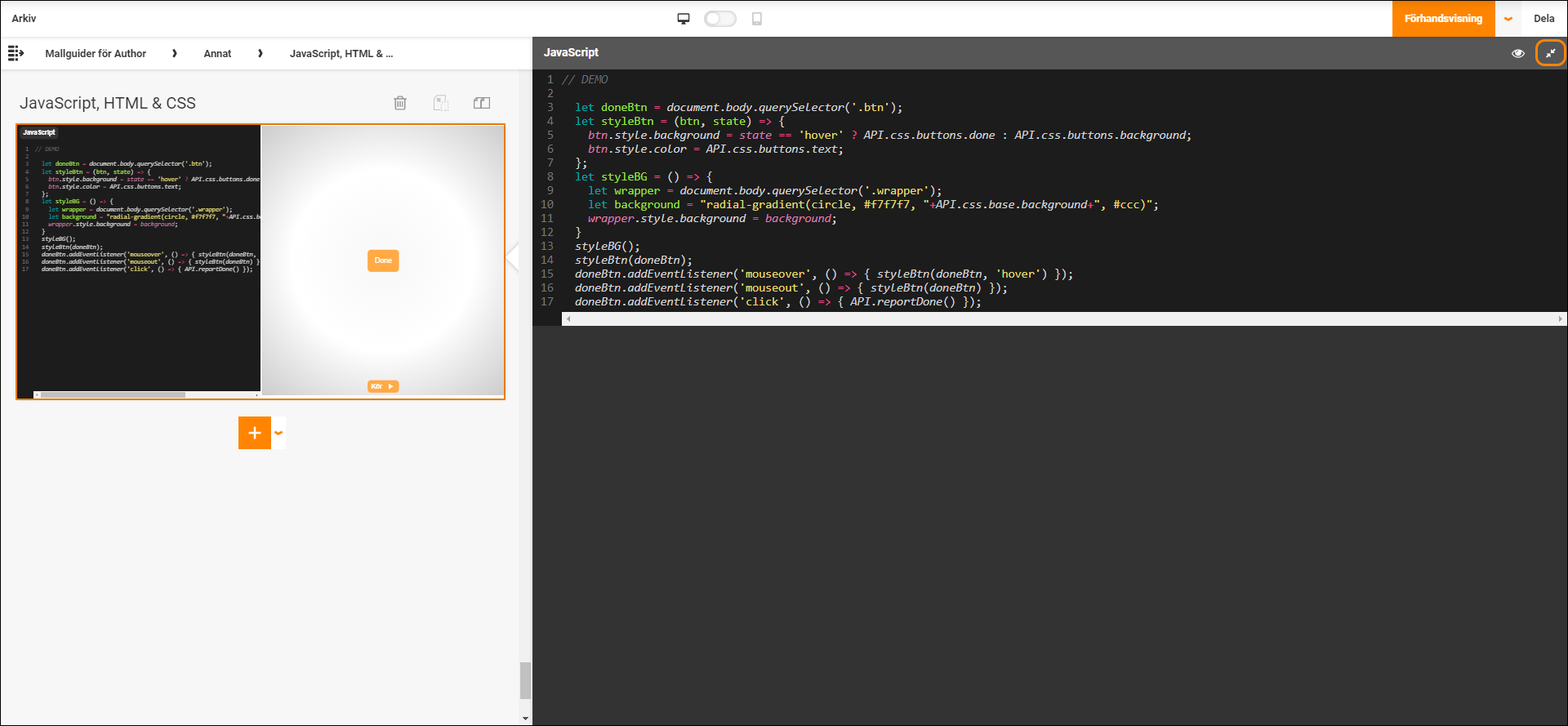
Every editor can be enlarged by clicking the magnification button above each editor.
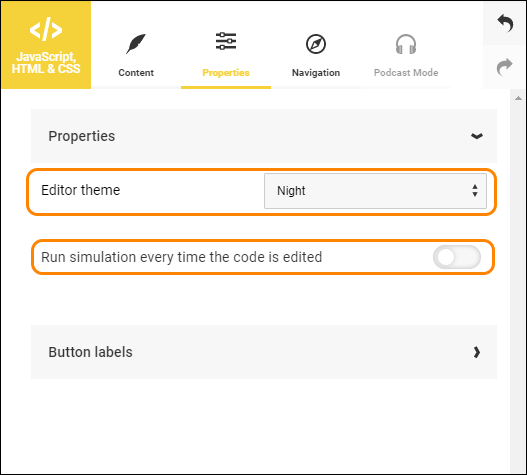
When an editor is available in the Player, the participants are able to edit and experiment with the code that is being simulated. All changes they make will be visible within the simulation area.
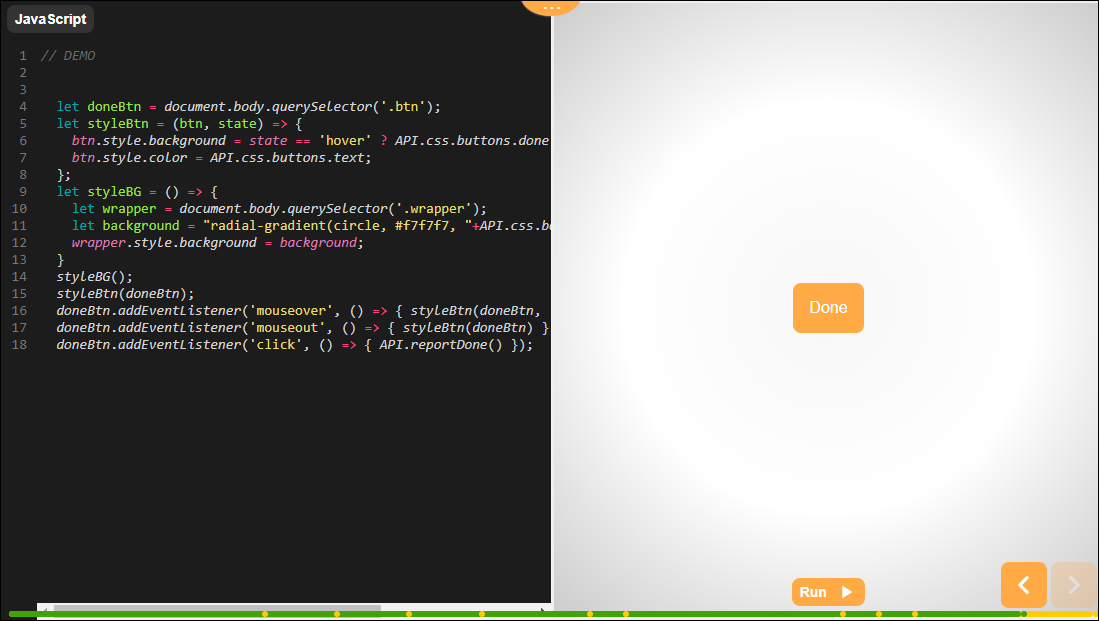
- API.reportDone() - Report exercise as complete
- API.css.base - Base colour
- API.css.highlight -Highlight colours
- API.css.rollover - Colour for mouse hovering
- API.css.buttons - Button colours
0 Kommentarer