Every Learning Zone includes a screen which gives an overview of all members, divided by their roles of tutor or participant.

All user icons with shield shaped frames are tutors for the current Learning Zone, while those who have circular shapes are participants.
Clicking on a user icon opens a dialogue window with information about the user and an option to initiate a private conversation in Learnify chat interface.
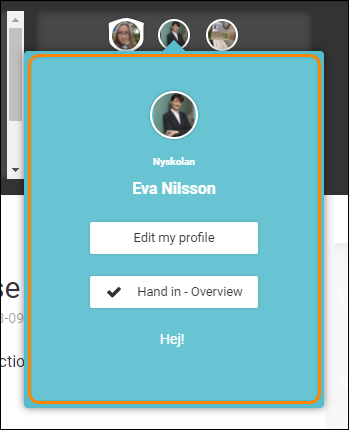
If you are a tutor on the current Learning Zone you also have the option of seeing an overview of the participants Hand ins for the current Learning Zone as well as any other Learning Zone where you have the right to view the participants hand ins.
0 Kommentarer