Do you have a lot of material or want to ensure that your participants have understood the content before moving on? End a course or section with a knowledge test.
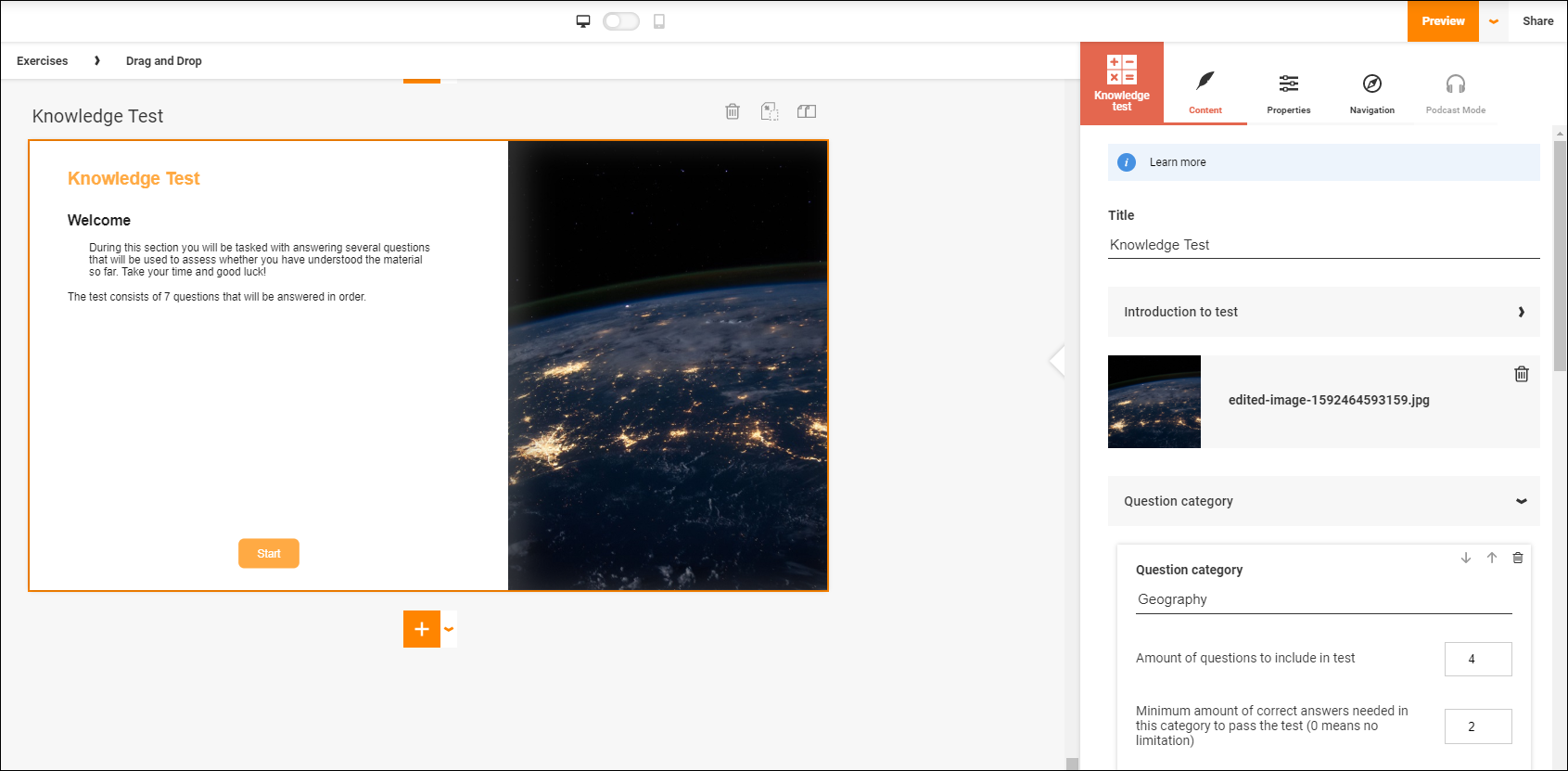
Use categories to separate your content into several parts or sections. One way to take advantage of this separation is to make categories of separate areas, for example "Arithmetic", "Geometry" and "Algebra" or divide the questions by degrees of difficulty.
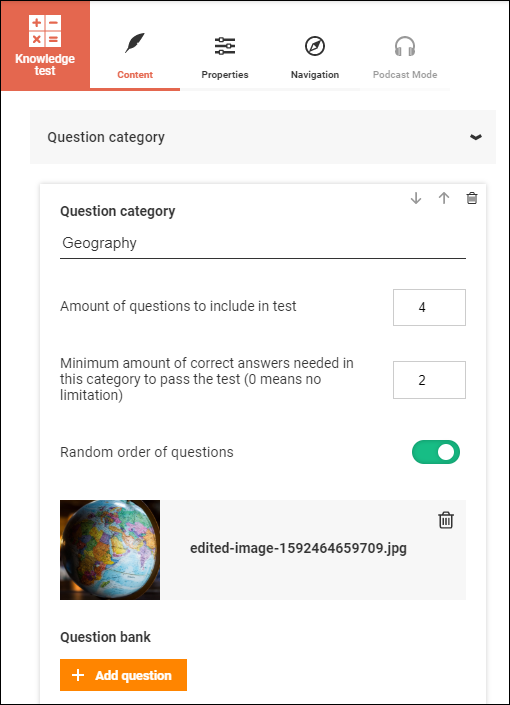
For every category you make you can specify how many questions will be included in the test. This is especially useful if you have a large bank of questions and want every participant to get a unique selection when they take the test. You can also specify how many points is required to get a passing grade for each individual category. It is also possible to choose whether questions should show up in the order they were added or in a random order.
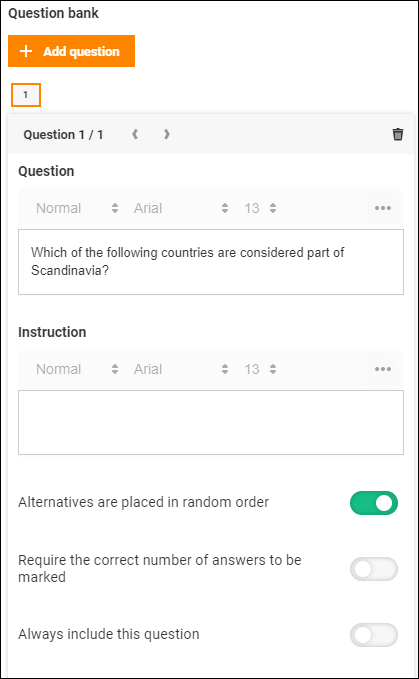
Press the button "Add question" to start adding content to your test. If required you can add more detailed instructions in the "Instruction" field. To further adjust your questions you can randomize the order of the answers, require that all possible correct answers have been selected or only reuire at least one. For especially important questions you can select that they will always be included in the test.
Note that you need to add a category before adding questions.
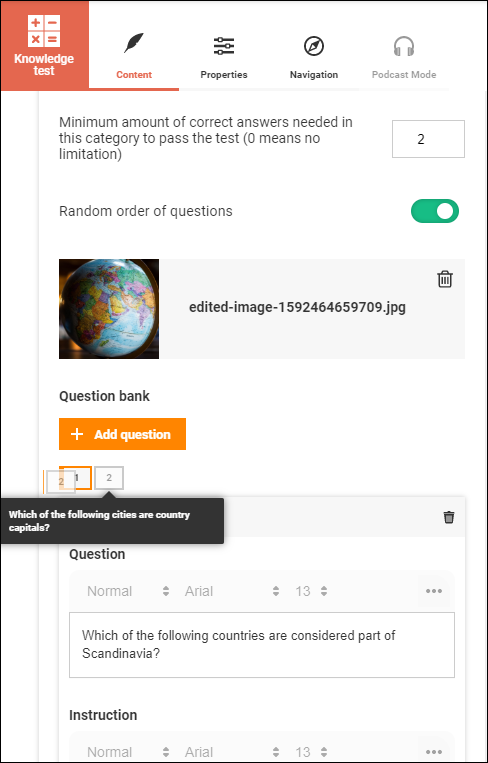
If it is important in what order questions are shown, for example if you have follow-up questions or questions that build on previous examples, you can sort your questions by dragging and dropping its number in the correct position. By hovering the mouse pointer over the numbers you will get a tooltip containing the name of the question so that you do not have to select each question to find the correct one.
It is also possible to edit the texts that participants see when they return to the test after a break and feedback for correct or incorrect answers.
Under the tab "Properties" you can specify how many correct answers are required to recieve a passing grade on the test in its entirety. This number is separate from the required points per category. It is also possible to specify whether categories and questions should be randomized or gone through in order.
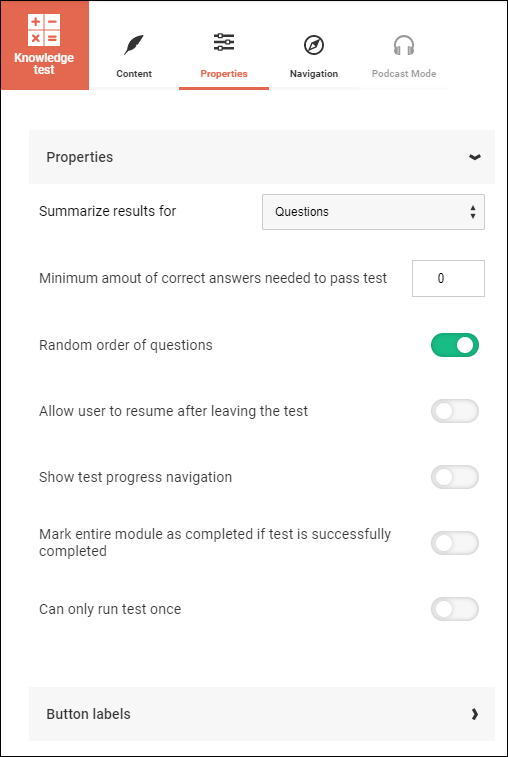
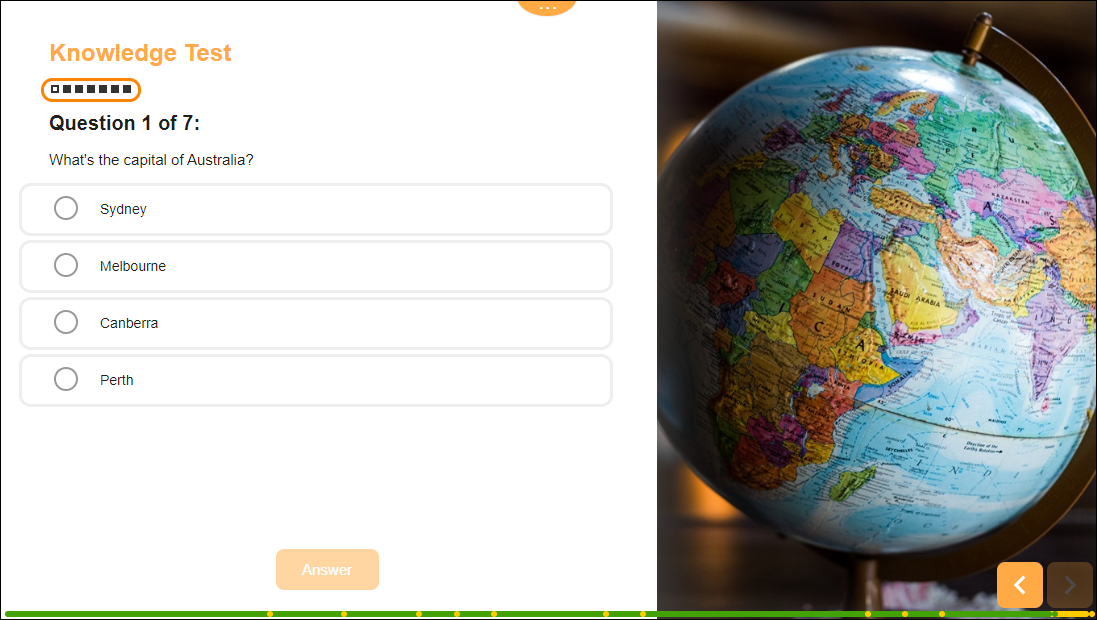
Further you can allow if participants can resume the test after a break or if they need to start over every time. If you add navigation to the test you allow your participants to jump around between the questions without having to answer in order. This can be especially useful to avoid having participants getting stuck on certain questions. With navigation turned on they can skip ahead and answer other questions and return later once they've had some time to think about their answer.
Finally you can specify whether the entire module should be marked as completed once the test is completed with a passing grade. This can be useful if, for example, a participant is deemed to already have the necessary knowledge and passing the test will approve them for the entire module. Lastly you can select whether participants only have one attempt at the test or if they can retake it as many times as necessary until they pass.
0 Kommentarer