Note: Not all users have access to the Author tool at this moment. If you would like to gain access speak with your local administrator or send a mail to support@learnify.se. To book a demo, please contact info@learnify.se.
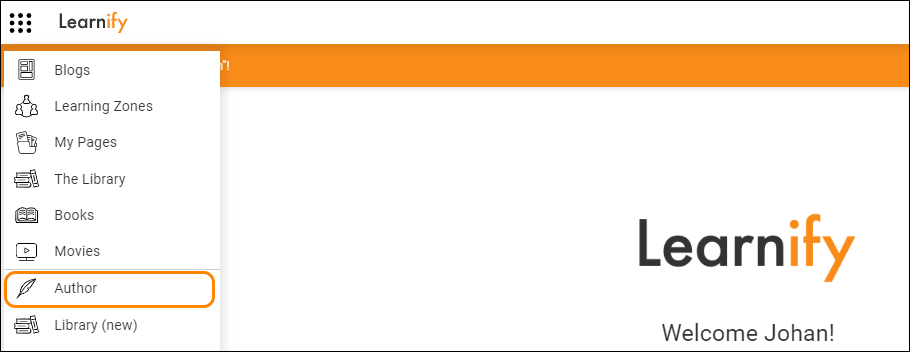
To reach the Author tool, open the site navigation menu, locate and click the "Author" icon.
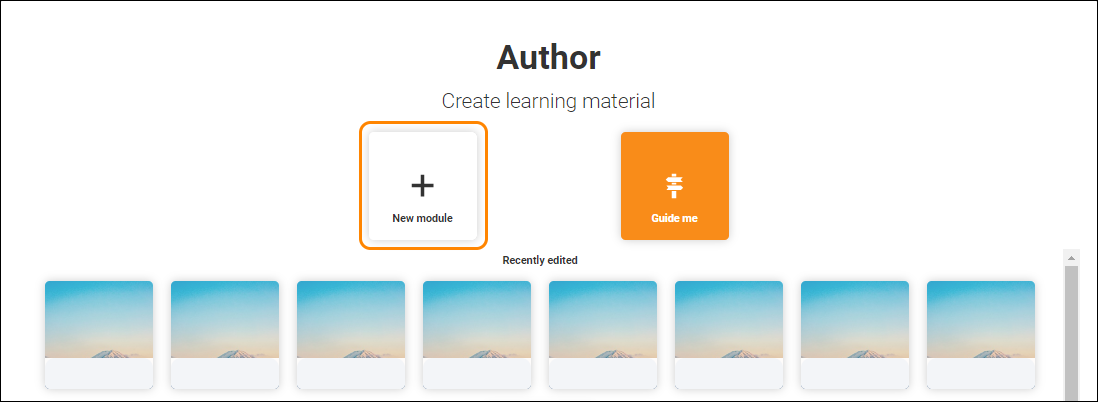
On the Author start page, you have several options on how to proceed. You can create a new module. Make sure to choose your preferred language from the window that slides out when you hover over the "New module" button before clicking it.
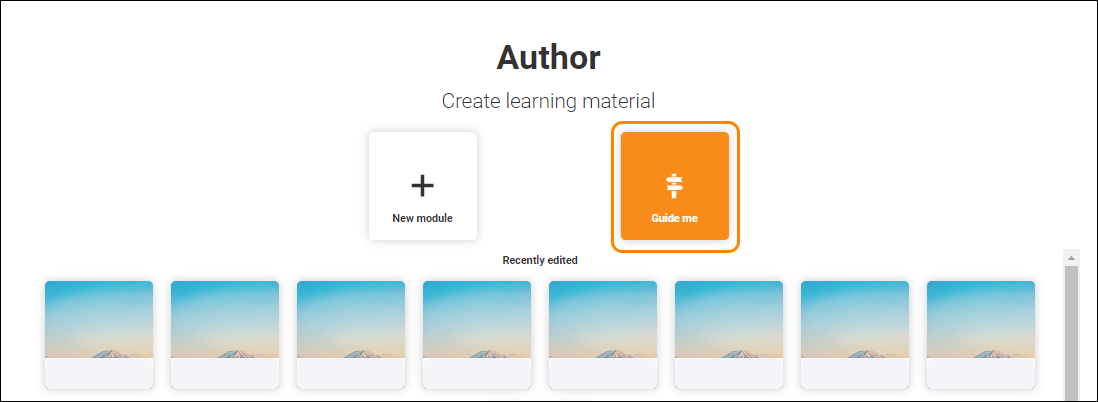
Or you can click the "Show me" button to be taken on a brief tour, showing and describing the basics of Author and the usage of templates.
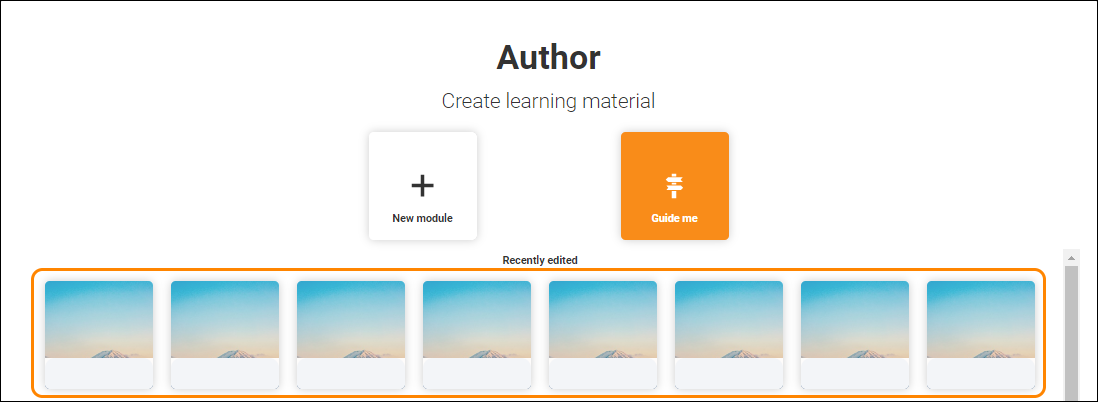
Below these alternatives you can see a list of your recently edited modules, from either the Fast Track tool or Author, if any exist. Click on any of them to open them and keep working from where you last left off.
0 Kommentarer