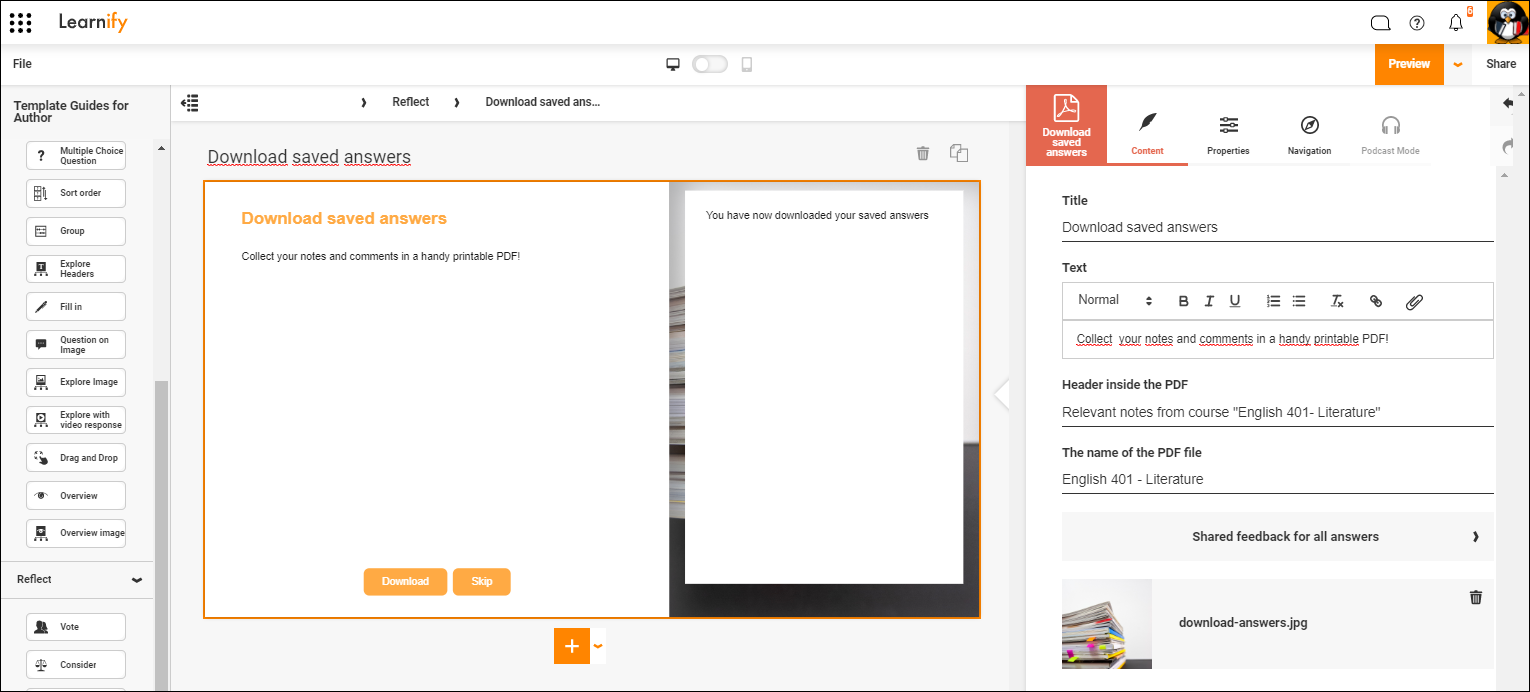
Collect previously created notes and comments in a PDF. Place the page at the end of each chapter or at the end of the course. You can make several settings on what is saved.
NOTE! Participants needs to be logged in to for answers to be saved. Login can be done directly or by starting the module from a Learning Zone or a connected LMS.
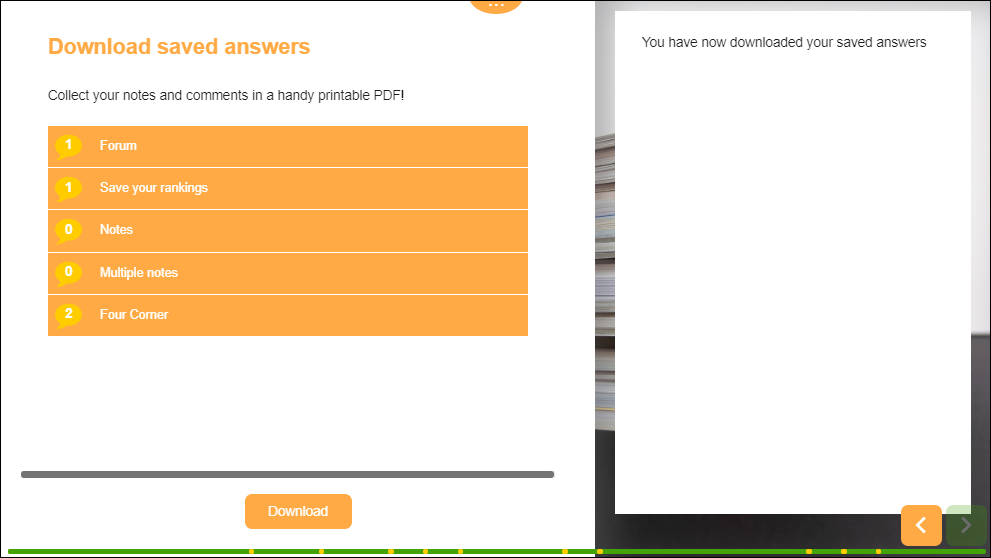
The participant will see a list of available notes and comments before having to download anything. This helps them set their expectations on what information they will recieve in their downloaded document.
Click here to view this example in the Player (Opens in a new tab)
0 Kommentarer