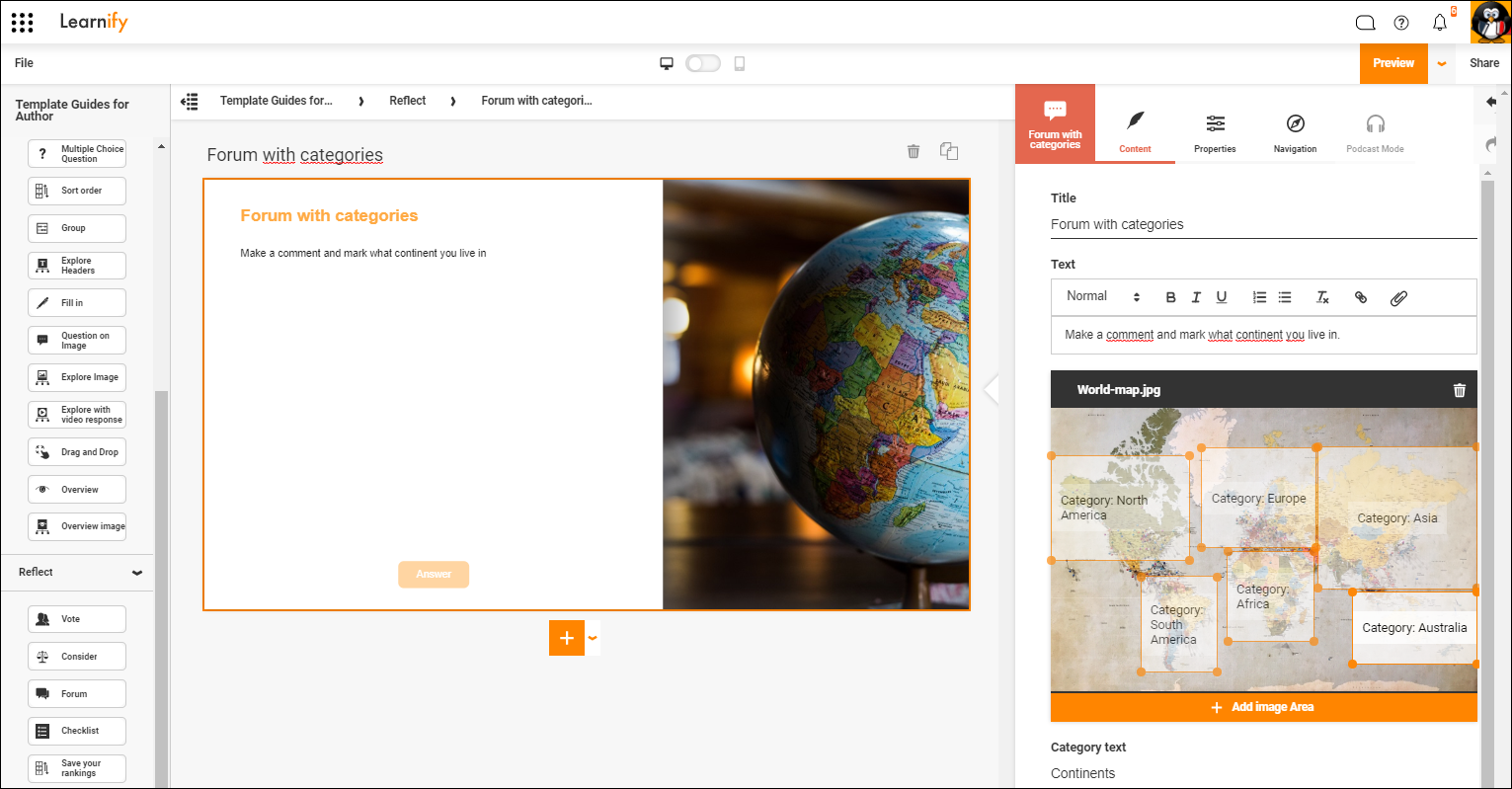
Multiple-step exercise select a category and write a comment. Then see how others responded by clicking on an image. For example, the image may be a map and the categories cities on the map. The participants enter their city, write a comment and can then see what people in other cities answered by clicking on the map.
NOTE! Participants needs to be logged in to for answers to be saved. Login can be done directly or by starting the module from a Learning Zone or a connected LMS.
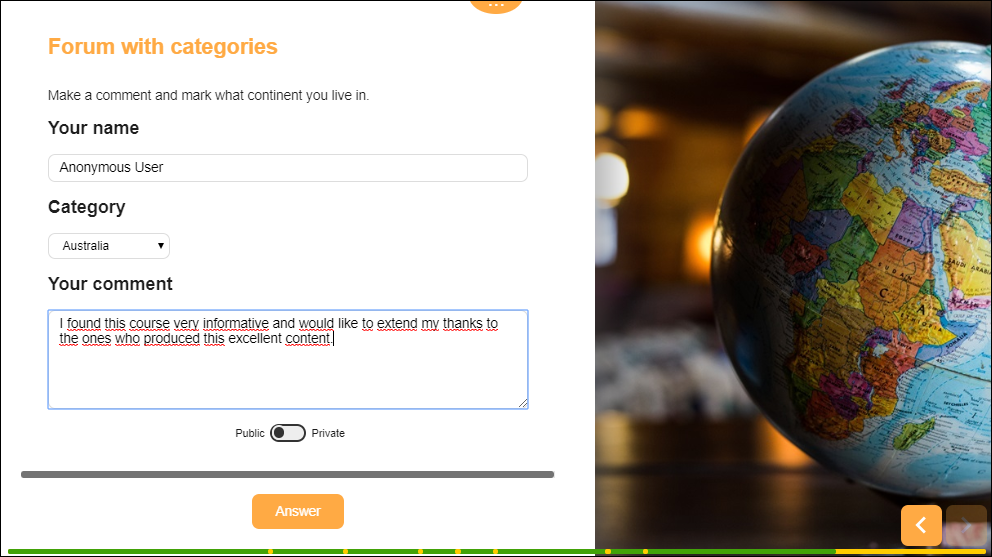
The first step for your participants is to choose what category to post under and write their comment.
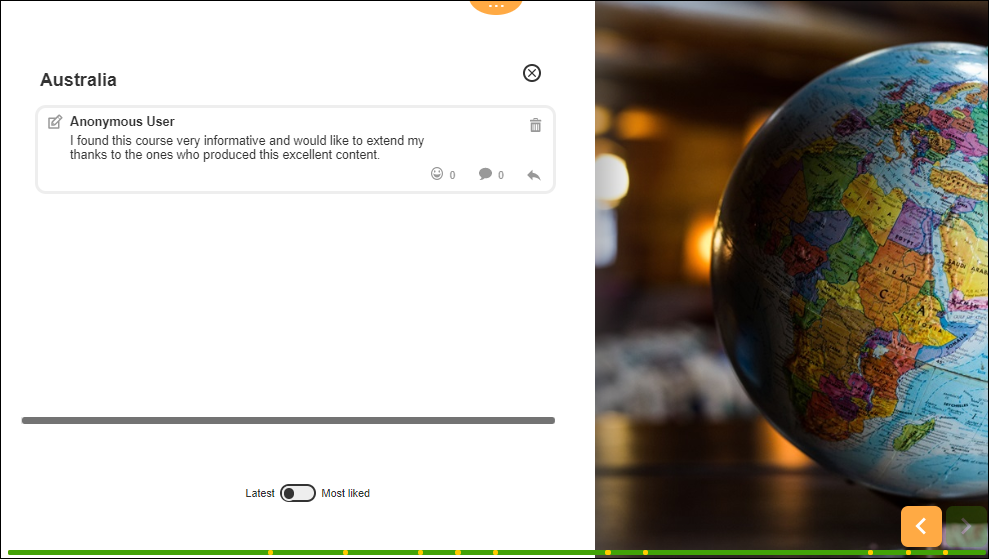
After posting their comment it will be shown together with all comments in the same category.
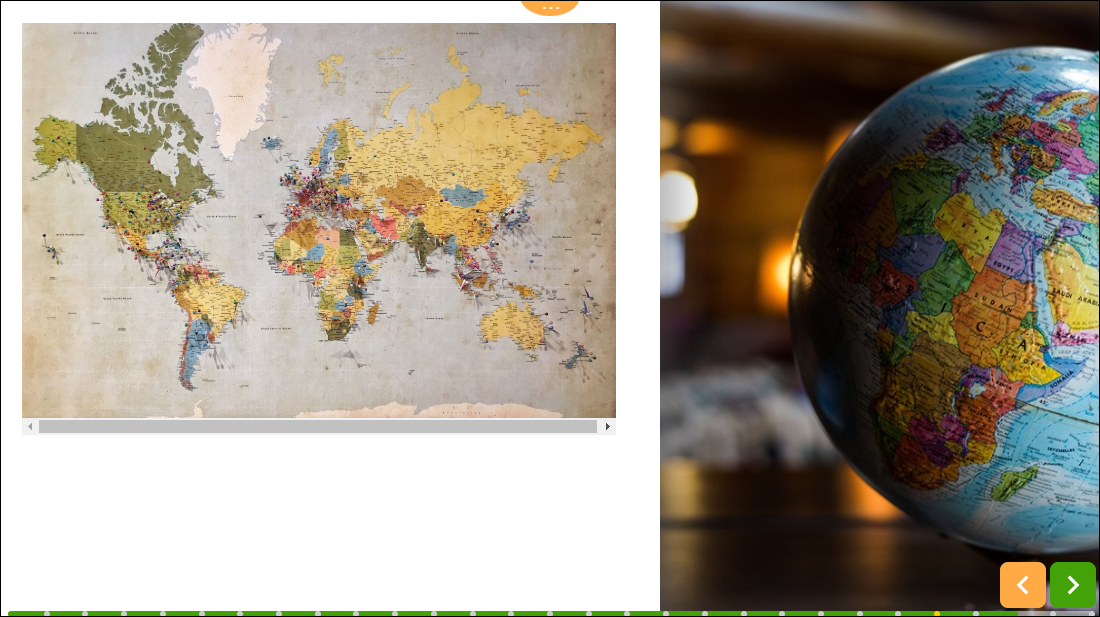
After closing this page, using the "x" button above all the comments, or if you change the options and allow them to skip straight to the comments, they will proceed to the collection page where they can see the image containing all the different categories. From there they can click on the different areas to see all the comments for that particular category.
Click here to view this example in the Player (Opens in a new tab)
0 Kommentarer