Create multiple notes, that you can divide into groups. on the same page. This template is good for asking several questions in succession.
NOTE! Participants needs to be logged in to for answers to be saved. Login can be done directly or by starting the module from a Learning Zone or a connected LMS.
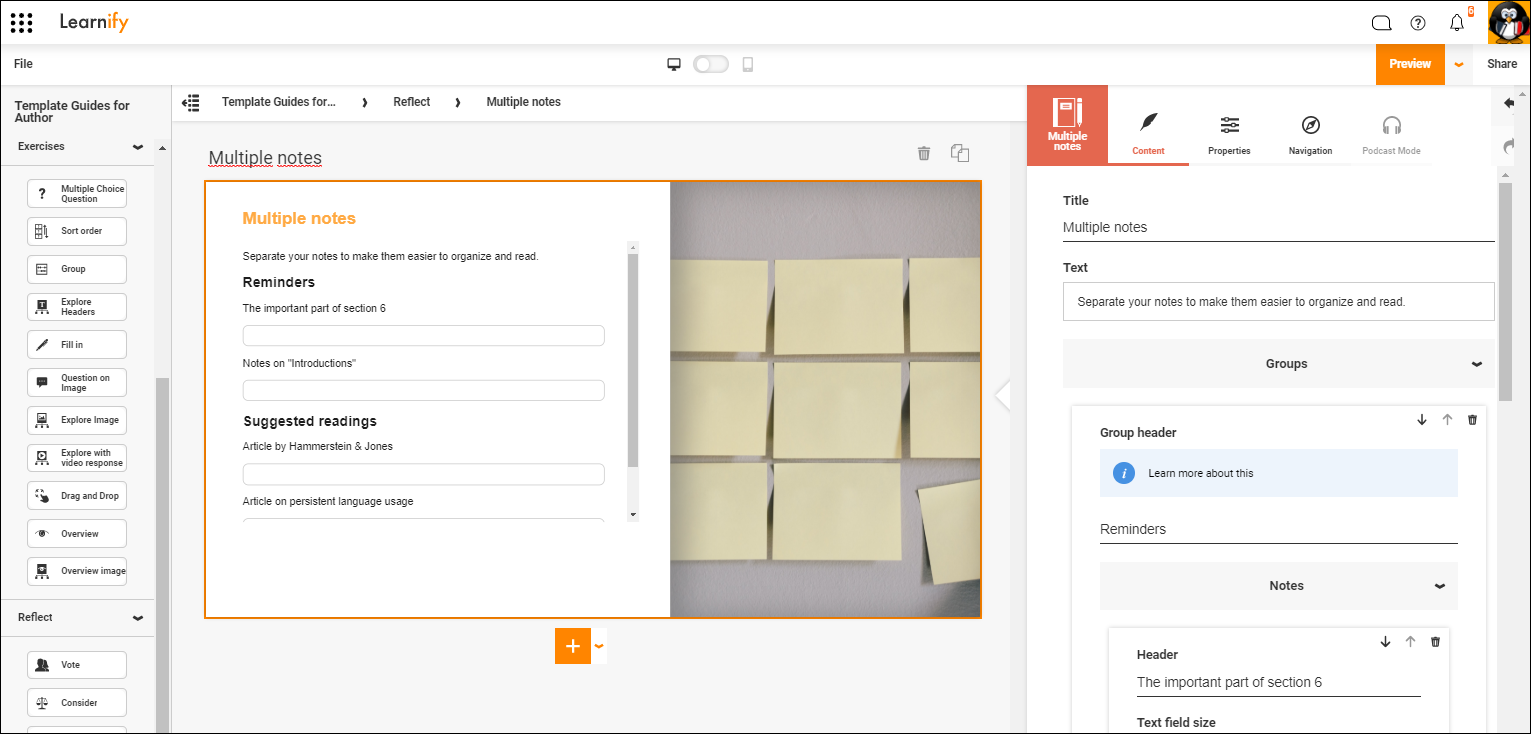
This is how a finished example can look.
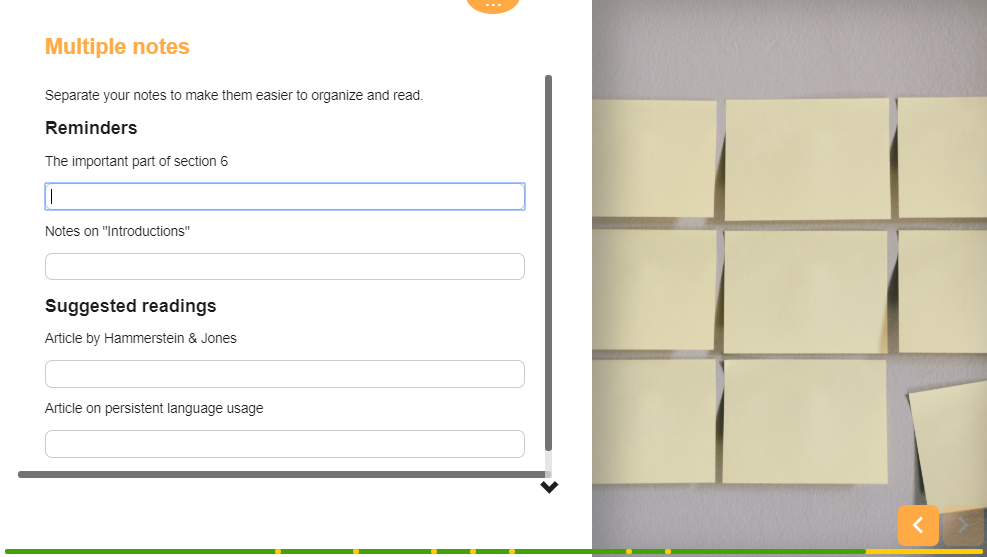
Click here to view this example in the Player (Opens in a new tab)
0 Kommentarer