Let the participant create a checklist with the option to select and save options. Good solution for blended learning - the participant can save and use the list in another learning situation.
NOTE! Participants needs to be logged in to for answers to be saved. Login can be done directly or by starting the module from a Learning Zone or a connected LMS.
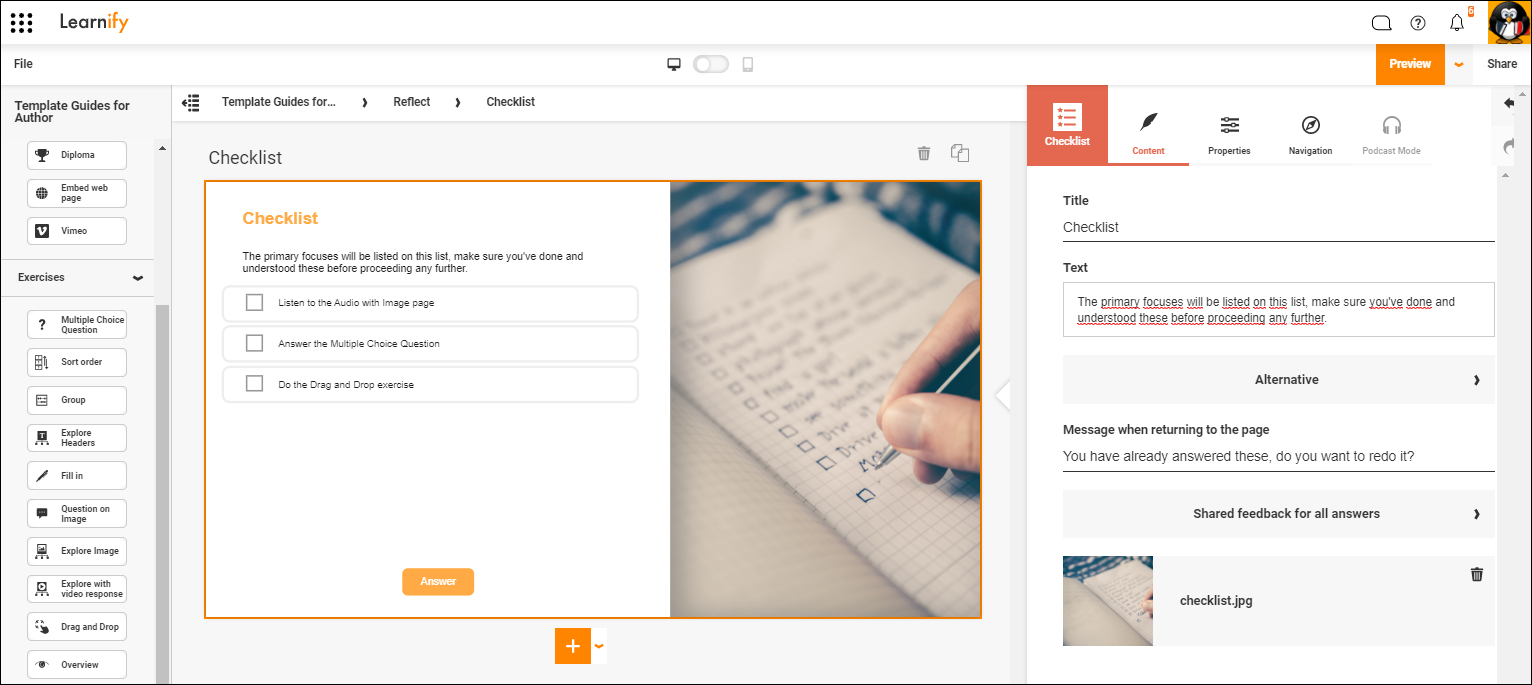
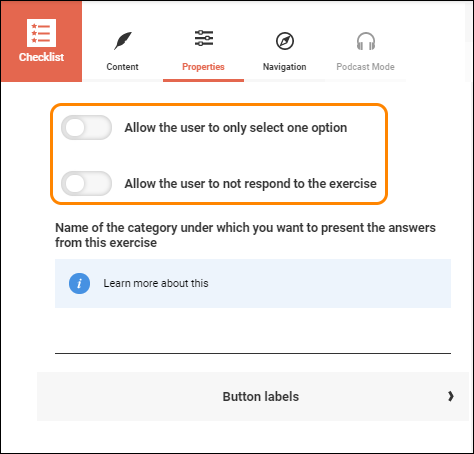
By default the template requires that the participants check all alternatives before proceeding. But the template provides options to change it into a "pick one" alternative. This can be useful when you want to list several different exercises and see which one gets picked the most. This in turn can help you evaluate what parts of the course your particpants could use some repetition on. There is also the option to let your participants skip it entirely, which may be useful if you have suggestions for "recommended but not required reading" for your participants.
This is how a finished example can look.
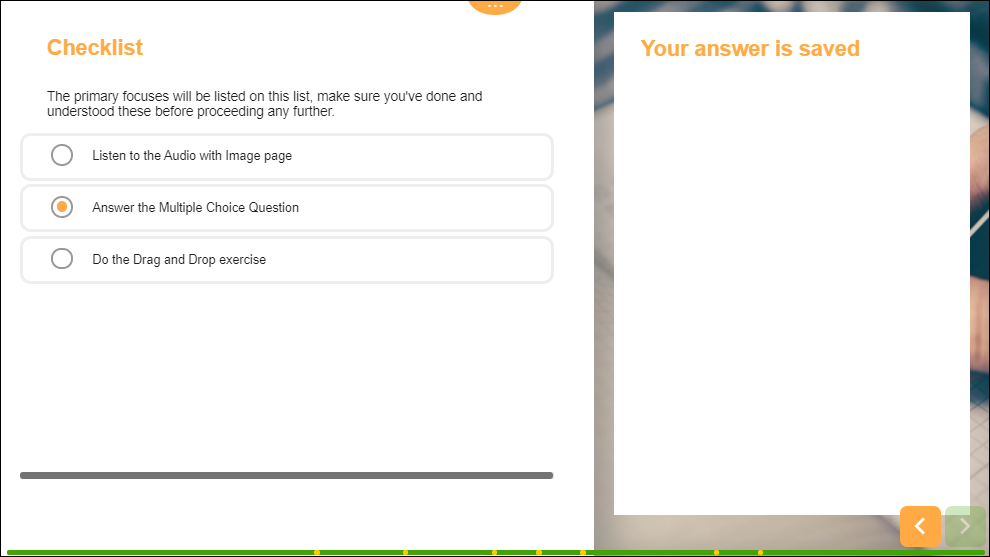
Click here to view this example in the Player (Opens in a new tab)
0 Kommentarer