Create clickable headers that open up more text and/or an image. Perfect solution for when you want to arrange text under headings and let the participant see the text at their own pace.
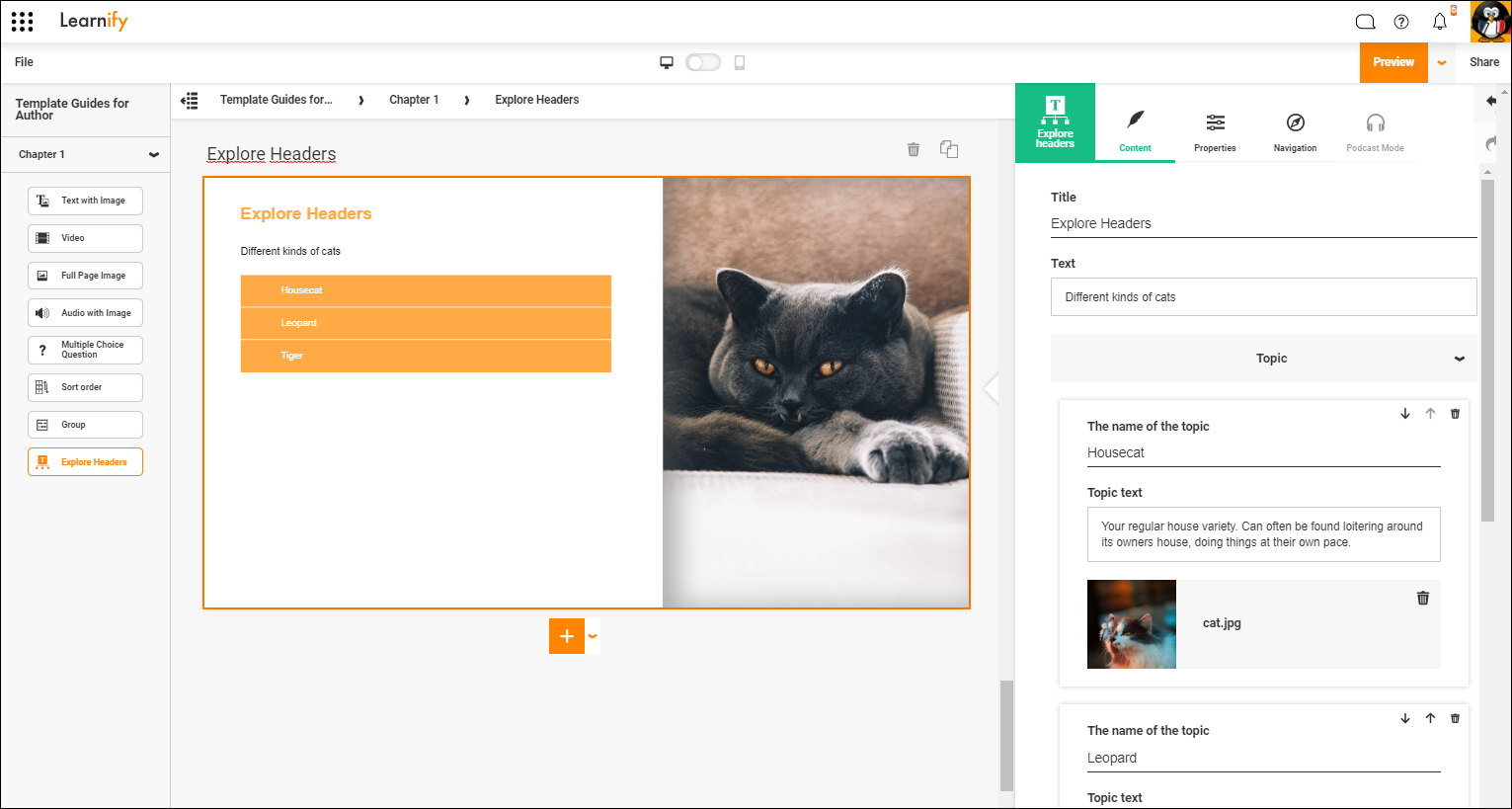
This is how a finished example can look.
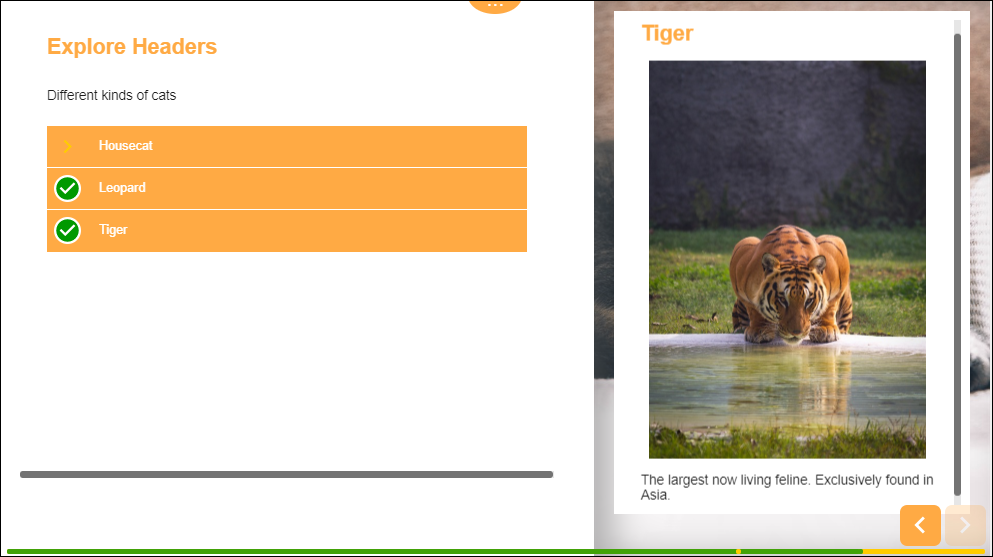
Click here to view this example in the Player (Opens in a new tab)
Explanation for "Required topics"
Sometimes it is necessary for your readers to read through all available topics before proceeding, at other times you may want to create a "read more here if you're interested" page. To do this you can navigate to the "Properties" tab and change how many topics are required to be opened.
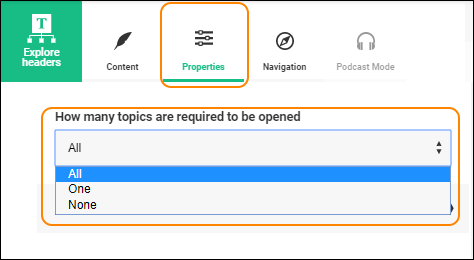
Here you can choose "All" if all topics need to be opened. "One" if at least one of the topics are required. Or "None" if you want to allow your readers to proceed without having to read anything unless they want to.
0 Kommentarer