When using Learnify, you always have the option to access your account settings.
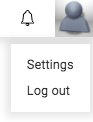
You can find your account settings at the top right corner of the screen. Click on the avatar and then select settings.
Under General within Settings, you have the option to upload a new profile picture, add a description that is shown on your profile page, choose your visibility, and write an ‘about me’ section that’s shown on the educator page.
You can also select what curriculum you’re interested in. Finally, you can update your name, municipality, school, email address and language of the account.
Remember to click save if you make any changes.
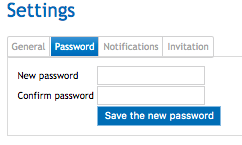
Within Settings, you can update your password under the Password tab.
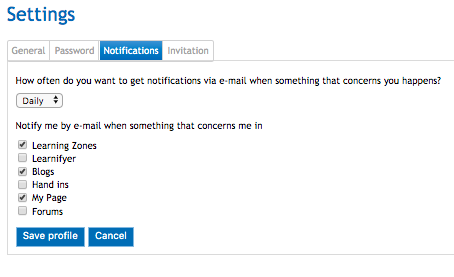
Under the Notifications tab, you can choose how often you receive notifications and what you are notified about.
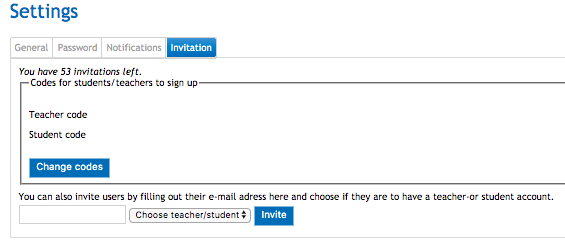
Under the tab Invitation within Settings, you can invite a limited amount of users by adding their email address and choosing whether they have a teacher of student account.
0 Kommentarer