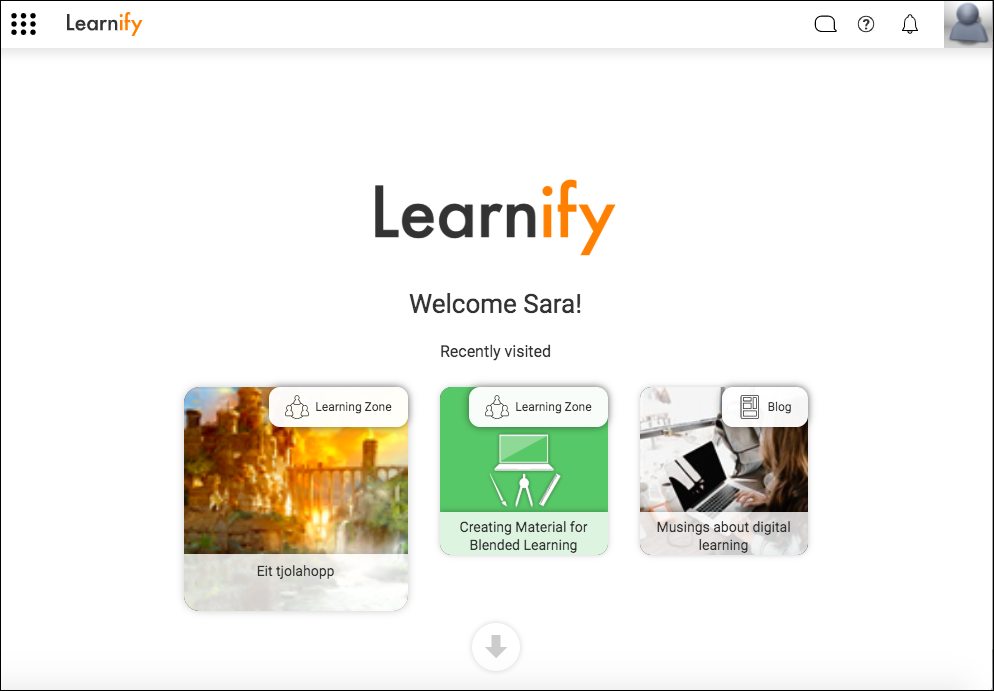
When you log into your Learnify account, you will land on the start page.
As you use your account, you will be able to see what you have most recently visited. Click on them for quick access.
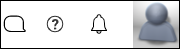
At the top right hand corner of the screen, you can find the Chat function to talk to users within the platform, the Help Center for guidance using Learnify, and any notifications you might receive. You can also access your account settings or log out by clicking on the avatar.
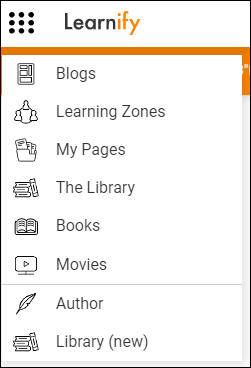
To navigate within Learnify, click on the dotted menu in the top left hand corner.

Depending on your accessibility, you may have access to Blogs, Learning Zones, My Pages and The Library. Click on them to navigate to the area you want to go to. The menu will always be present, so click on it whenever you need to move elsewhere within the Learnify platform.
0 Kommentarer