To locate Help Center, login to your account and navigate to the top right corner of the screen. Here you will find three icons. Click the speech bubble icon.
You will then come to the Chat screen.
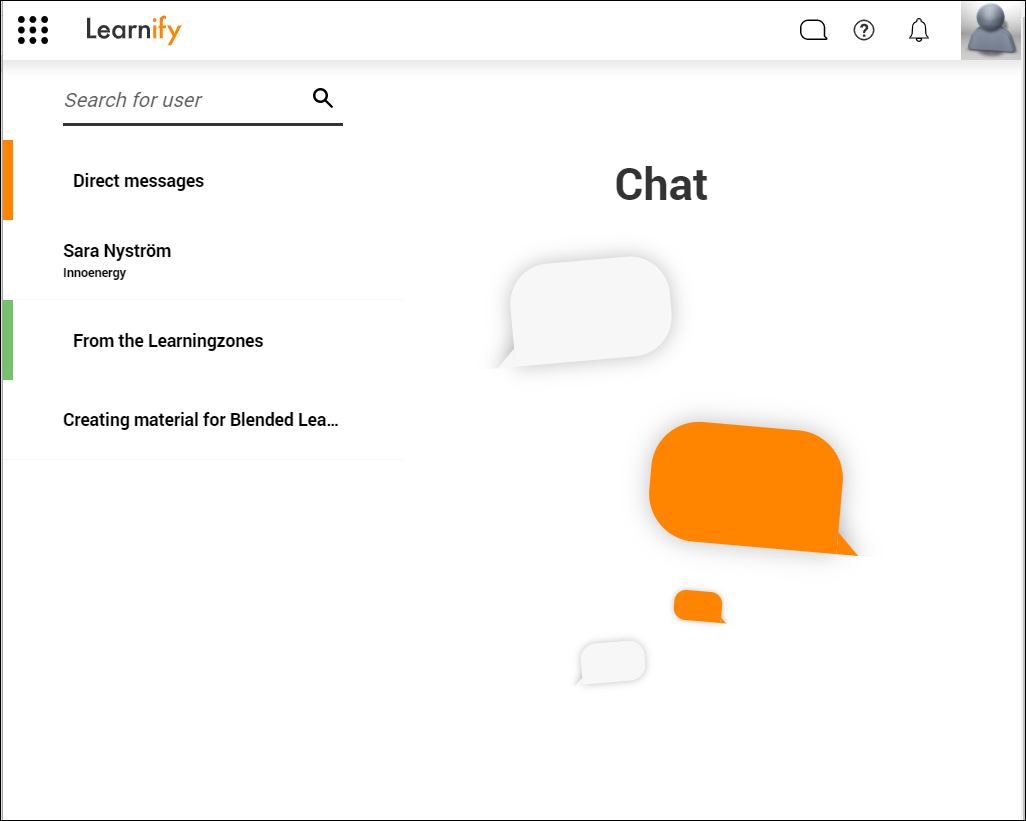
Direct messages with users are located under the orange tab Direct messages.
To find a user to message directly, write their name in the search section at the top of the page.
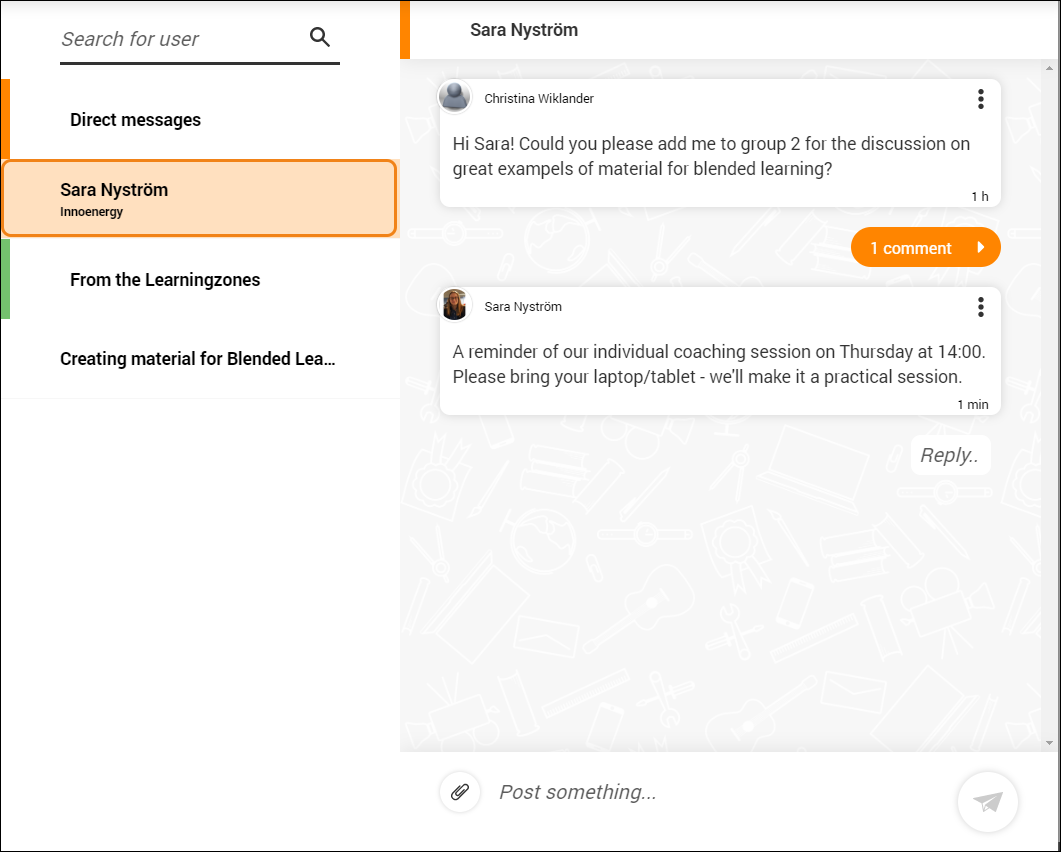
When you click on a user, this is what the chat between you both will look like.
0 Kommentarer