To comment on a post, select the person or Learning Zone group you want to chat in. A chat box will appear which looks like this.
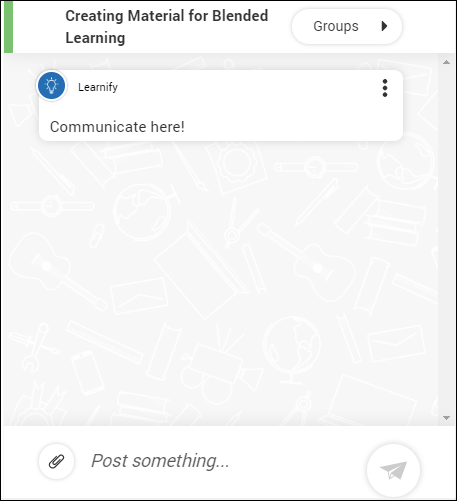
Write your message in the area where it says Post something… and attach a file if needed. Once done, send you message by clicking the paper airplane icon.

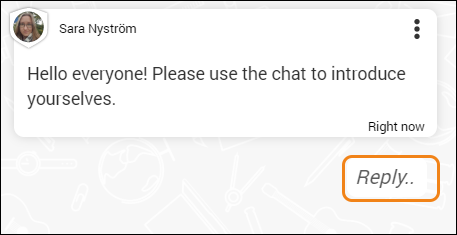
To reply to a specific message, click Reply…
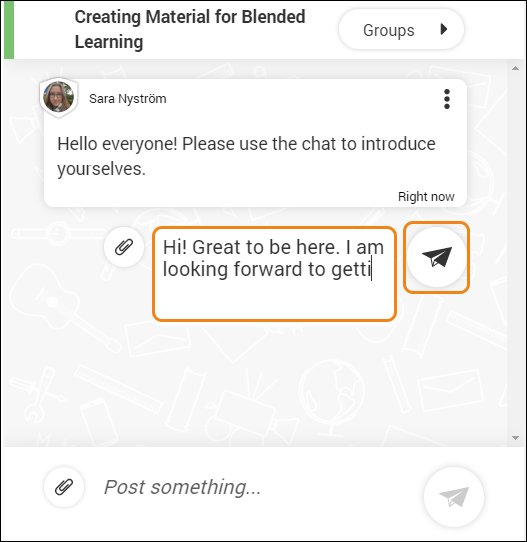
Write your message and click send.
You then have the option to hide comments for a cleaner view.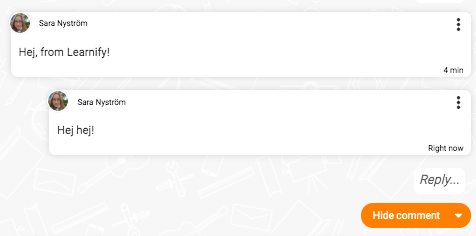
0 Kommentarer